How do I print a free 10x10 grid?
A4 paper. 10 by 10 squares, each 1.8 cm wide.
Print a free 10x10 grid right on this page: 10 columns, 10 rows and 100 squares on one sheet, with no download or sign-up needed. Choose a Small, Medium or Large square size and the sheet shows up beside your choice. Press “Add numbers” to write 1 to 100 inside the squares, then press “Print 10 by 10 grid”. Your browser's region decides between Letter and A4.
Use the sizes on this page to get a blank 10x10 grid with 100 squares, then print it. With “Add numbers” on, the squares are numbered 1 to 100, left to right and top to bottom, which makes the sheet a hundreds chart. Each square is 1% of the whole grid.
How to print a 10x10 grid
Pick a square size
Choose Small, Medium or Large. Large uses the biggest squares that fit and is selected first. On Letter paper the other two are 1/4 inch and 1/2 inch squares; on A4 they are 5 mm and 1 cm.
Add numbers if you need them
Press “Add numbers” to write 1 to 100 inside the squares. Leave it off for a plain grid to draw, color or plan on.
Check the paper
The sheet appears beside your choices. Your browser's region sets the paper, Letter or A4. Under the sizes, a button changes to the other paper when the first one does not suit.
Print or save
Press “Print 10 by 10 grid” to print the sheet. To use the grid in a document or slide, choose “Save as a clear PNG” and you get a 1500 pixel picture.
Make a hundreds chart for counting practice
Print the numbered sheet and give a child a few colored pencils. Ask for every second number to be shaded in one color, then every fifth number in another. Stripes and columns appear, and the child sees skip counting as a pattern instead of a list to memorize.
A second copy without numbers works as a quiz. Say a number aloud and let the child find where it belongs, or write the numbers in by hand from memory. A parent at the kitchen table can check the result against the numbered sheet in a minute.
For multiplication, shade the multiples of one number on one chart and the multiples of another number on a second chart. Laying the two sheets side by side shows which numbers appear on both.
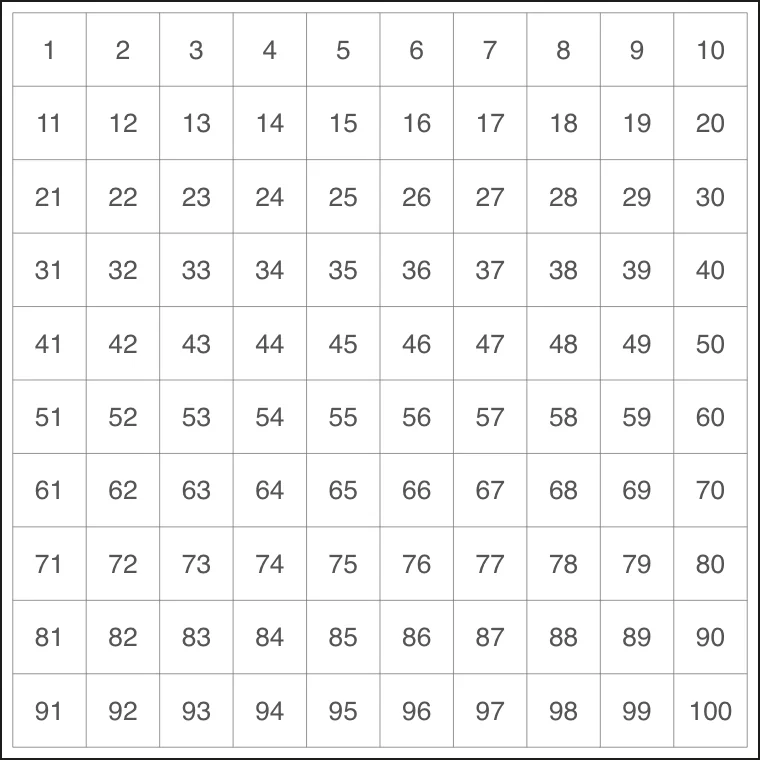
With Add numbers on: 1 to 100, left to right and top to bottom.
Teach percents and decimals with shaded squares
Shade any group of squares and write its names together: the count out of 100, the percent, and the decimal. Because the grid has exactly 100 squares, each of the three names points to the same picture.
A full row or column of ten squares is a tenth of the grid, and ten tenths fill the whole sheet. Shade a quarter, which is 25 squares, and the child sees a familiar fraction as a percent and a decimal at once.
Use a blank sheet for comparison problems. Shade a percent on one grid and a decimal on another, then hold them up together to see which is larger. Teachers can print one sheet per student and collect the shaded results as a quick check.
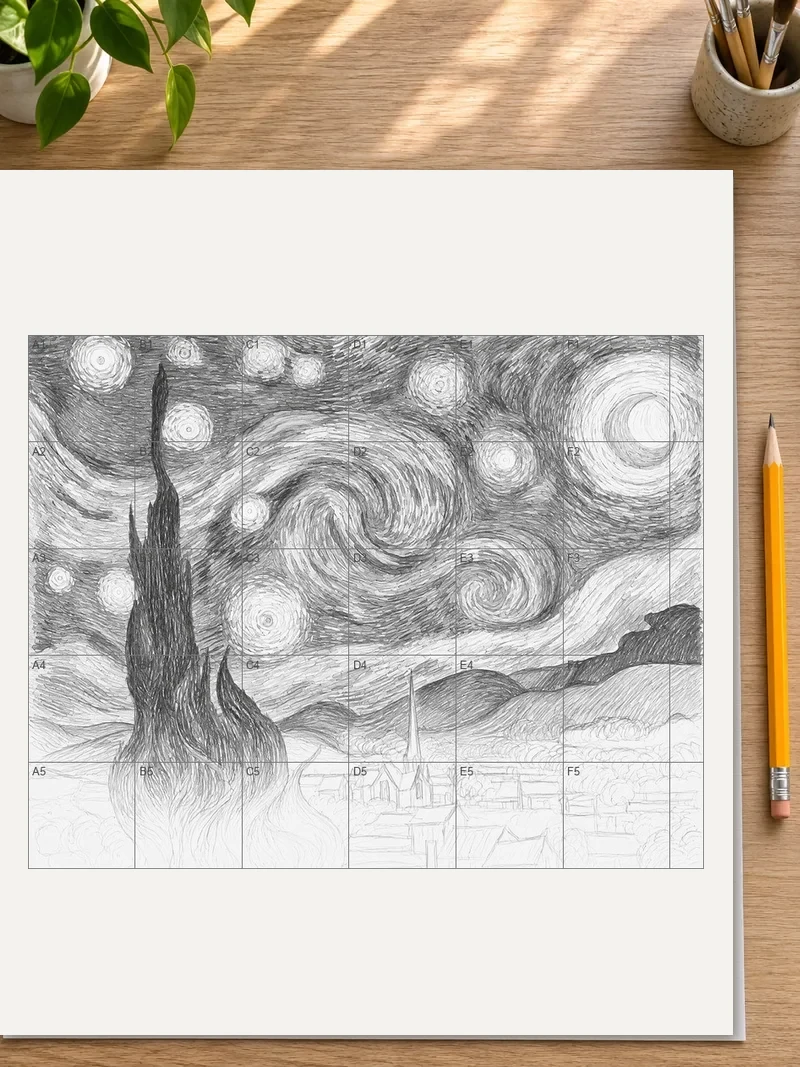
Enlarge a drawing square by square
Draw a small figure on a Small-square sheet, keeping each line inside its squares. Then rule a matching 10 by 10 grid with bigger squares on a large piece of paper. Copy the contents of each small square into the same position on the big grid, one at a time.
Turn the numbers on when working with a partner. One person calls out a square number and the other draws what sits there. Numbers also stop you from losing your place when a drawing has lots of detail.
Draw the grid lines lightly in pencil on the big sheet. Once the drawing is done, erase them and the enlarged copy stands alone.
Draw pixel art and stitch patterns on paper
A 100-square grid is a small canvas: a heart, a letter, a mushroom or a simple face fits neatly. Choose Medium squares and fill them with markers or pencils. Keep the outline in a single dark color so the shape reads from across the table.
The same sheet works as a chart for cross-stitch, beadwork or knitting. Mark each square with a color name or a symbol, then work through the chart row by row. Numbered squares help when a pattern says to repeat a stretch of squares, because the range is easy to find.
Print several copies before starting. A first sheet for rough ideas costs nothing, and a clean sheet is ready for the final version.
Plan a layout where one square equals one unit
Decide what a single square stands for before drawing anything. It could be one foot for a garden bed, one seat for a classroom plan or one tile for a floor. Write the scale in the margin so anyone reading the plan knows the measurement.
A 10x10 grid suits small spaces well. Sketch a vegetable bed, shade the squares for tomatoes, beans and herbs, and count squares to see how much room each crop gets. The same method works for a seating chart, a quilt block or a bulletin board.
If the plan needs more room, tape two printed sheets edge to edge. Trim the margin off one sheet first so the lines meet.
Print the sheet so it is easy to use
Choose Large squares for a wall chart or a worksheet that several children share. Small squares suit a notebook insert or a quick sketch beside other work. Medium sits in between and leaves room to write small numbers or a color code inside each square.
When the print window opens, look for the scale setting and keep it at 100% or actual size. Settings such as “fit to page” can shrink the grid and change the size of the squares.
For a chart used again and again, print it on heavier paper or slip it into a plastic sleeve. A dry-erase marker then wipes clean, and one sheet serves a whole week of lessons.
FAQ
Do I need to sign up or install anything to print the grid?
No. Phones, tablets and computers can all use this tool in a browser, with no app to install and no sign-up. It is free, and the grid carries no watermark. Pick a square size and press “Print 10 by 10 grid” to send the sheet to your printer.
Can I use the grid as a hundreds chart?
Yes. Turn on “Add numbers” and the squares are numbered 1 to 100, left to right and top to bottom, as on a standard hundreds chart. Print it for counting, skip counting or shading number patterns.
How many squares are in a 10x10 grid?
A 10x10 grid has 100 squares, because squares equal columns times rows: 10 times 10. Smaller grids follow the same rule. A 3 by 3 grid has 9 squares, a 4 by 4 has 16 and a 5 by 5 has 25.
What percent does a 10x10 grid represent?
The whole grid is 100%, so each of the 100 squares is 1%. A full row or column of ten squares is 10%, and 25 squares make a quarter of the grid, which is 25%.
How do I make a 10 by 10 grid without drawing it by hand?
Choose a square size on this page and press “Print 10 by 10 grid”. No ruler is needed, because the sheet comes with every line already placed. Add numbers first if you want 1 to 100 inside the squares.
Can I save the 10x10 grid as a picture instead of printing?
Yes. “Save as a clear PNG” stores the sheet as a picture that is 1500 pixels, or 3000 pixels with Pro. The clear background lets the grid sit over a colored page, a worksheet or a slide without a white box around it.
Updated
Related tools
- 8x8 gridPrint a free 8x8 grid of 64 squares in your browser. Pick Small, Medium or Large squares, add letters and numbers, then print or save a PNG.
- Square gridMake a square grid online by choosing columns and rows. Pick the square size, add numbers, then print the sheet or save it as a PNG.
- Printable grid paperGet printable grid paper with Small, Medium or Large squares. Print a sheet on Letter or A4 paper, free, with no sign-up.
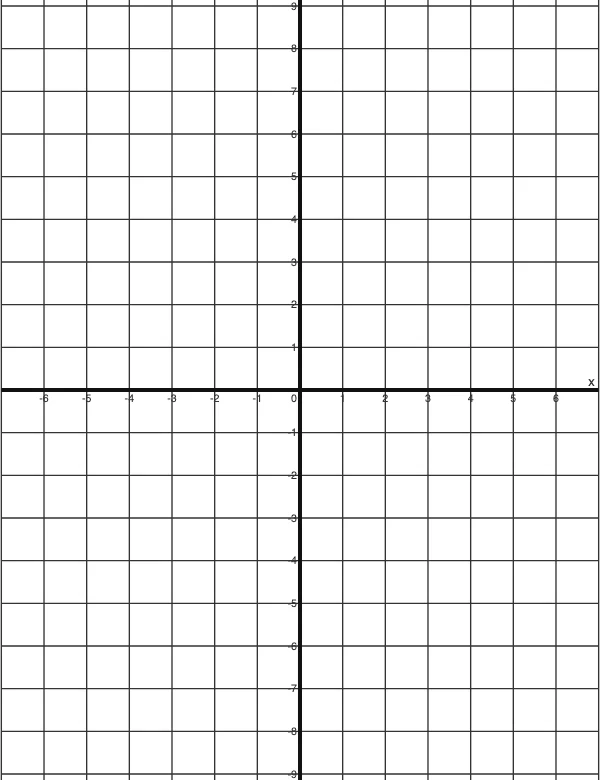 4 Quadrant Graph PaperPrint free 4 quadrant graph paper with bold x and y axes, numbered both ways from 0. Pick square size and paper, then save as PDF, PNG or JPG.
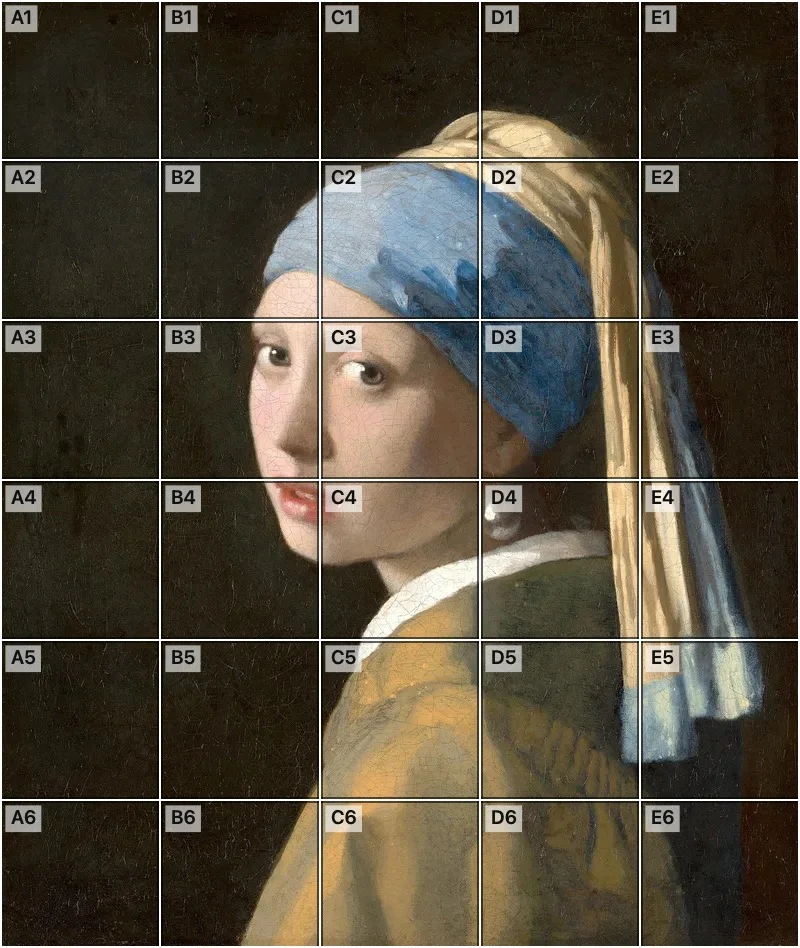 Add grid to photoAdd a grid to any photo in your browser, with no sign-up and no watermark. Get a numbered grid or a plain grid overlay, then save it or print it at true size.
- Ar TracingInstead of ar tracing with a phone stand, put a numbered grid on your own photo, then save or print it and copy it square by square. Free, no sign-up.
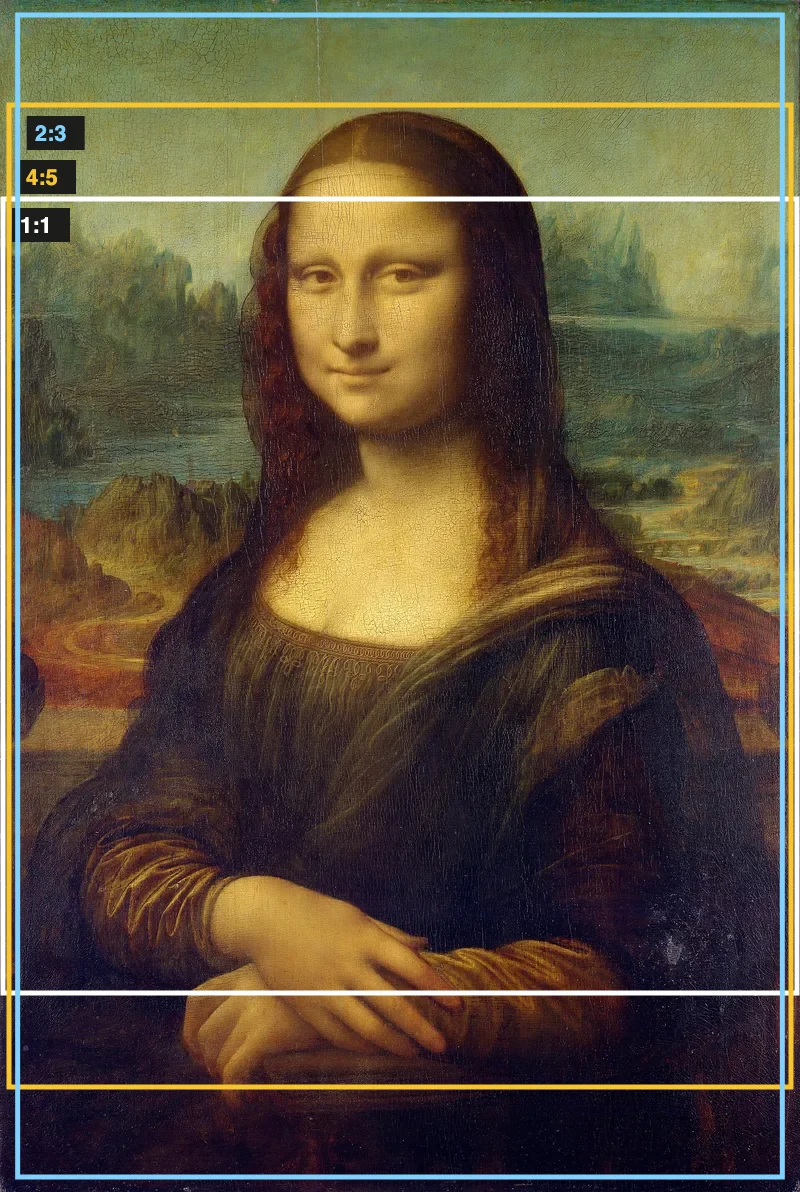 Aspect Ratio CalculatorUse this aspect ratio calculator to turn a width and height into a ratio like 16:9. You also get the decimal and a resize that keeps the shape.
- Atmospheric PerspectiveAdd a numbered grid to a photo and compare near and far squares to see atmospheric perspective: lighter values, softer color. Free, in your browser.