How do I make and print an 8x8 grid online?
A4 paper. 8 by 8 squares, each 2.3 cm wide.
You can make and print an 8x8 grid online, right here in your browser: a blank sheet of 64 squares. Pick Small, Medium or Large, then press “Print 8 by 8 grid”. “Add numbers” puts letters A to H along the top and numbers 1 to 8 down the side. Nothing is installed and no account is needed. Large squares are the biggest that fit on the sheet. When you want a picture instead of paper, save a PNG with a clear background.
Choose a square size in your browser, then print the sheet of 64 squares. “Add numbers” places letters across the top edge and numbers along the left side, giving each square its own name. Large gives the biggest squares that fit, and the sheet can also be saved as a PNG with a clear background.
How to print an 8x8 grid
Choose the square size
Pick Small, Medium or Large. Large gives you the biggest squares and is selected when you arrive. The line under the choices tells you how wide each square is on your paper.
Add numbers if you want them
Press “Add numbers” to put letters A to H along the top and numbers 1 to 8 down the side. Every square then has its own name.
Check the paper
Letter or A4 is picked from your browser’s region. If you use the other one, press the button under the sizes to switch before you print.
Print or save
Press “Print 8 by 8 grid” for a paper copy. Or choose “Save as a clear PNG” to keep the sheet as a 1500 pixel picture.
Plan a pixel icon before you color it
Print the Large sheet and treat each square as one pixel. Sketch the shape lightly in pencil first, then fill the squares one at a time. Write your color list in the margin, and note single squares by name, for example “D4 dark blue”. Letters and numbers on the edges make those notes easy to find later.
Eight squares across suits small icons, simple characters and sprites: a heart, a mushroom, a face with two eyes and a mouth. Symmetrical shapes are the easiest start. Fill the left four columns, then copy each square to its mirror position on the right.
Keep a blank copy in a folder. A second or third version can then start from a clean grid instead of a smudged one.
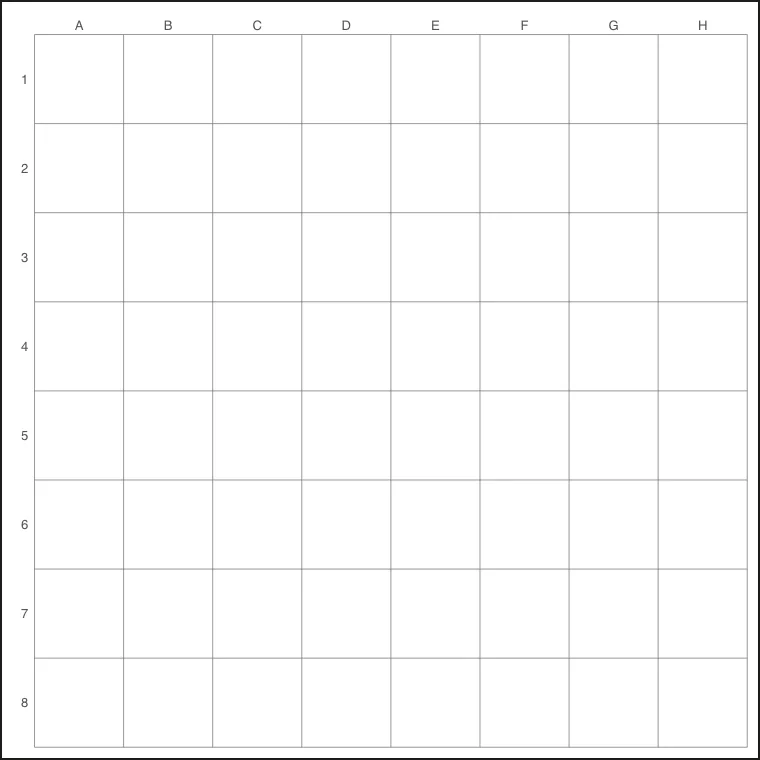
With Add numbers on: A to H along the top, 1 to 8 down the side.
Draw a board for chess, checkers or your own game
Shade alternate squares so that no two shaded squares share a side. Start the second row with the opposite shade from the first, and keep going down the sheet. The result is the familiar checked pattern of a chess or checkers board.
Glue the printed sheet to a piece of card before you play, so the board stays flat. For a game you invent yourself, use the square names in the rules. A counter starts on A1, a prize waits on H8, and a move is announced as “B2 to B3”.
Large squares give counters and coins enough room to sit without touching.
Teach coordinates with a printed sheet
Print one sheet per learner and call out a square name. The learner puts a counter on it. Say the letter first and the number second, every time, so the habit forms early. Then swap roles: the learner places the counter and the teacher names the square.
A few variations keep a session moving:
The same sheet shows how multiplication works. Count the squares in one row, then in all the rows, and 64 appears.
- hide a small drawing under a marked square and let the group guess by name
- ask for a path from A1 to H8 using only squares that touch at a side
- have each learner color three squares and read the names to a partner, who copies the pattern on a fresh sheet
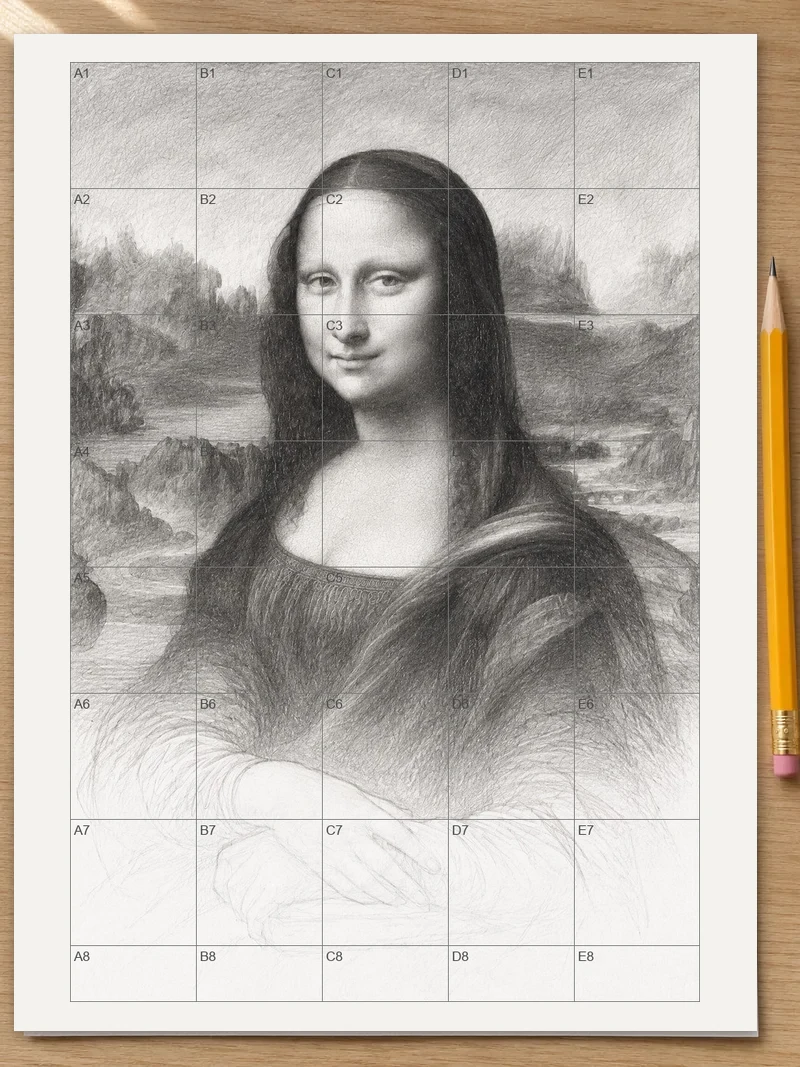
Draw from a reference, square by square
Print the grid with Large squares, tape thin drawing paper over it and press both against a bright window. The lines show through the paper, so your drawing stays free of printed marks.
Choose a reference whose shape is close to a square, or trim a printed one with scissors. Eight columns and eight rows then divide the picture evenly. Mark the reference into the same eight by eight with a ruler. Now look at one reference square at a time. Notice where a line enters at an edge, where it leaves, and what sits in the middle. Copy those crossing points first, then join them.
Finish one row before starting the next. Mistakes stay small because each square holds only a little of the picture.
Use the grid for stitching, beads and tiles
Print a sheet and color each square with the thread, bead or tile you plan to use. Eight by eight is a good size for a coaster, a small patch or a practice motif.
Write the names of the squares for each color in a short list: red in B2, B3, C2. When the work moves from paper to fabric, the list keeps your place if you stop halfway. Count the squares of each color before you shop for materials, and the quantities are clear.
Small squares suit a pattern you want to tuck into a project bag. Large squares are better when several people read the plan at once.
Print it so the squares come out right
When the print dialog opens, pick actual size or 100%, and skip “fit to page”. Scaling changes the square width, and a stitching or drawing plan depends on that width.
Use paper that matches the sheet you picked. A Letter sheet on A4 paper, or the other way round, gets scaled or trimmed by the printer. Plain copy paper is fine for pencil work; heavier paper holds up better to erasing and to watercolor washes.
After printing, hold a ruler against one square and compare it with the width stated under the choices. If the two agree, the whole sheet is at true size.
Use the PNG in your own layout
Save the clear-background PNG when the grid belongs inside another page. Drop the picture into a worksheet, a slide or a printable game, and whatever sits behind the grid shows through the gaps between the lines.
Place the grid over a colored panel to make a board with a tinted surface. Resize the picture in your document until it fits the page.
FAQ
Is there a free online tool to make an 8x8 grid and print it?
Yes. The tool is free and runs in your browser on a phone, tablet or computer. There is nothing to install and no account to set up. Pick Small, Medium or Large squares, then press “Print 8 by 8 grid”.
How many squares are in an 8 by 8 grid?
An 8 by 8 grid has 64 squares, because the number of squares is columns times rows. For comparison, a 4 by 4 grid has 16 squares and a 5 by 5 grid has 25.
How do I create a grid for drawing?
Print the grid, tape thin drawing paper over it and hold both against a bright window. The lines show through, so you can draw square by square without marking the sheet. Turn on “Add numbers” to name each square and find your place quickly.
How wide are the squares on the printed sheet?
On Letter paper, Small squares are 1/4 inch and Medium squares are 1/2 inch. With A4 paper, the sizes come to 5 mm and 1 cm. Large squares are as big as the paper allows. If a size would not fit, it shrinks to fit, and the line under the choices states the width.
How do I put letters and numbers on the grid?
Press “Add numbers”. Letters run along the top and numbers run down the side, so each square is named like a spot on a map. The top-left square is A1.
Can I save the 8x8 grid as a picture instead of printing it?
Yes. Choose “Save as a clear PNG” and the sheet is saved as a 1500 pixel picture, or 3000 pixels with Pro. The clear background lets you place the grid over a colored panel or inside a document of your own.
Should I pick Letter or A4?
Use the paper your printer holds. The paper size, Letter or A4, is set by the region of your browser, and the button below the sizes flips to the other one. Letter squares are measured in inches and A4 squares in millimeters and centimeters.
Updated
Related tools
- 10x10 gridPrint a blank 10x10 grid with 100 squares in three sizes. Add numbers 1 to 100, then print the sheet or save it as a clear PNG.
- Square gridMake a square grid online by choosing columns and rows. Pick the square size, add numbers, then print the sheet or save it as a PNG.
- Printable grid paperGet printable grid paper with Small, Medium or Large squares. Print a sheet on Letter or A4 paper, free, with no sign-up.
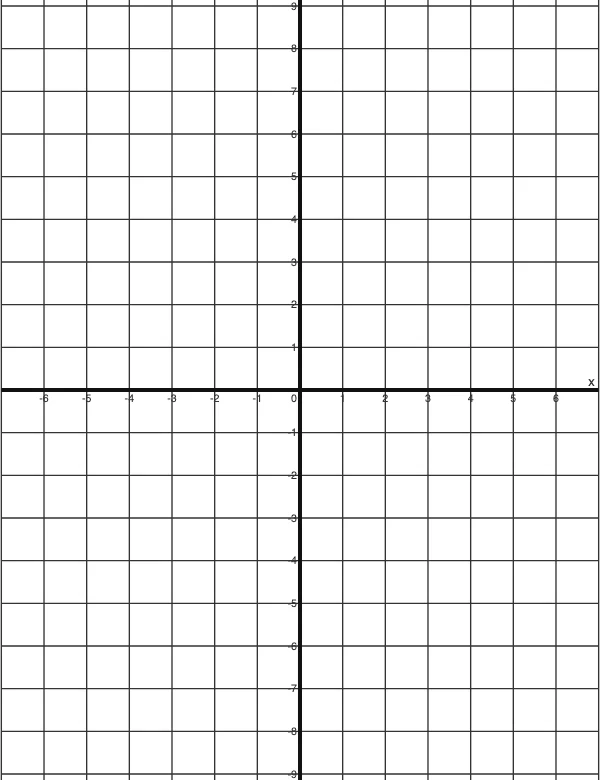 4 Quadrant Graph PaperPrint free 4 quadrant graph paper with bold x and y axes, numbered both ways from 0. Pick square size and paper, then save as PDF, PNG or JPG.
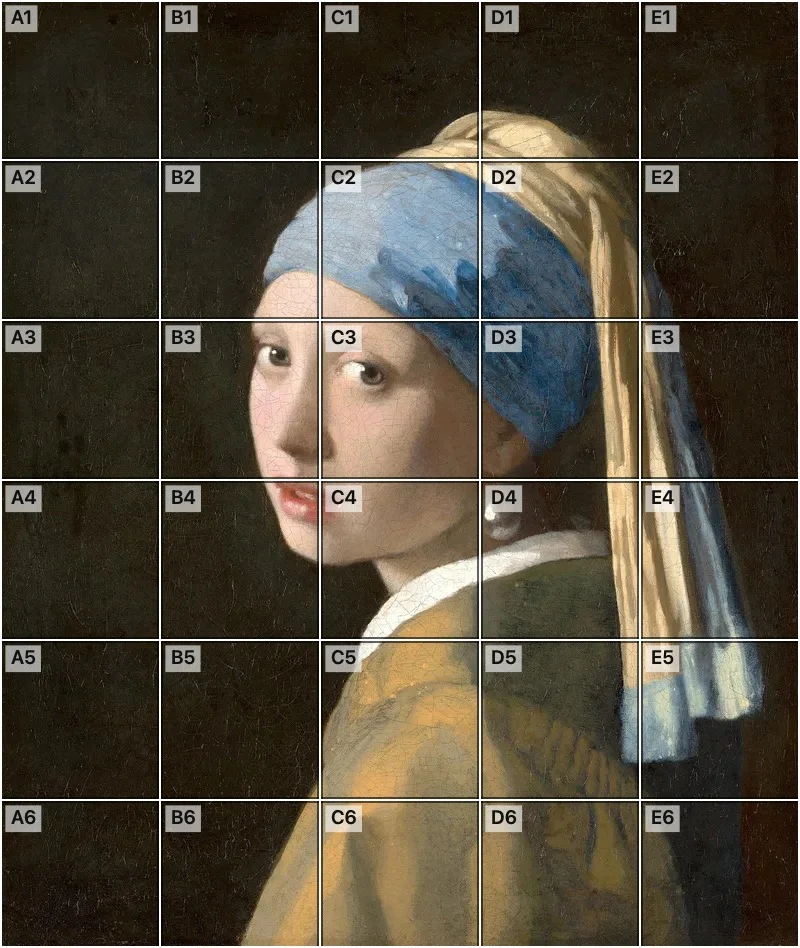 Add grid to photoAdd a grid to any photo in your browser, with no sign-up and no watermark. Get a numbered grid or a plain grid overlay, then save it or print it at true size.
- Ar TracingInstead of ar tracing with a phone stand, put a numbered grid on your own photo, then save or print it and copy it square by square. Free, no sign-up.
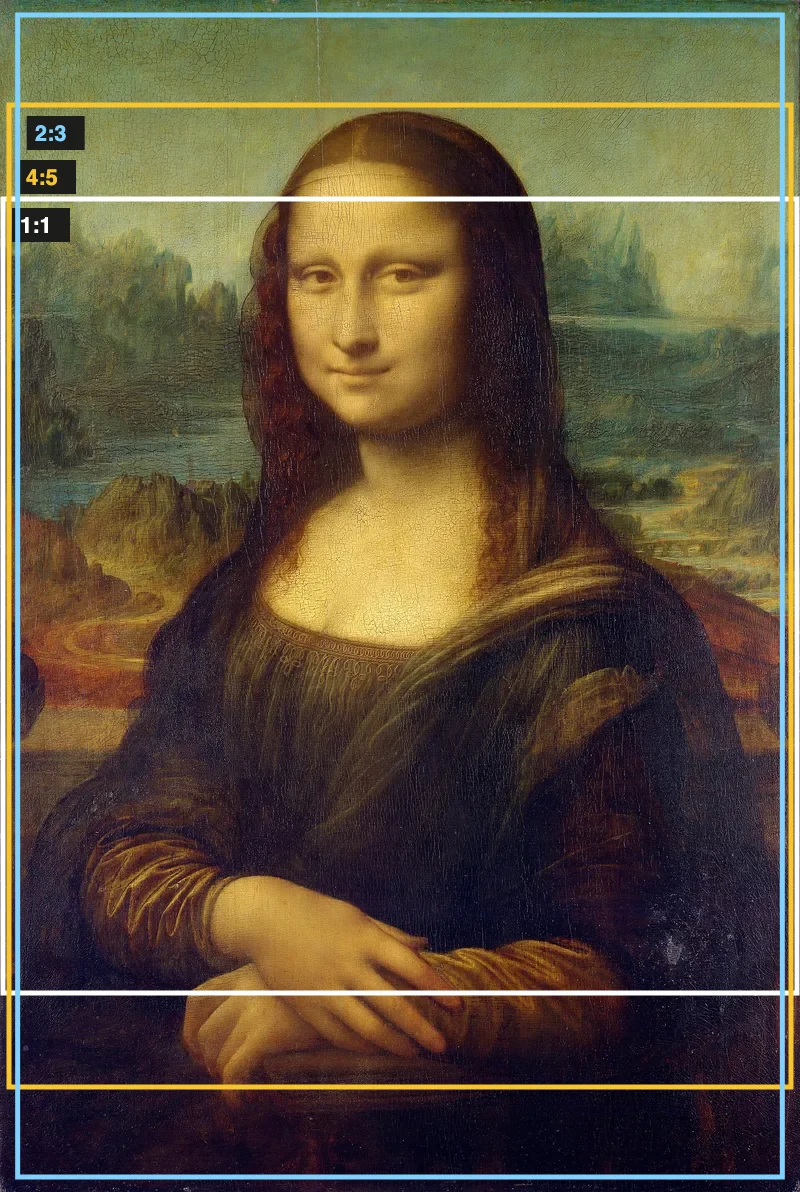 Aspect Ratio CalculatorUse this aspect ratio calculator to turn a width and height into a ratio like 16:9. You also get the decimal and a resize that keeps the shape.
- Atmospheric PerspectiveAdd a numbered grid to a photo and compare near and far squares to see atmospheric perspective: lighter values, softer color. Free, in your browser.