What is sfumato, and how do you get that soft look in a drawing?
In simple terms, sfumato is a painting technique that blends light and dark so gradually that no outline shows where one tone ends and the next begins. To get that soft look in your own drawing, choose a photo: the page turns it into a pencil sketch of grey strokes on white. Firm edges stay as strokes and very gradual shading comes out white, so what the sketch leaves out is where the tones blend. One tap switches to a clean line drawing for comparison.
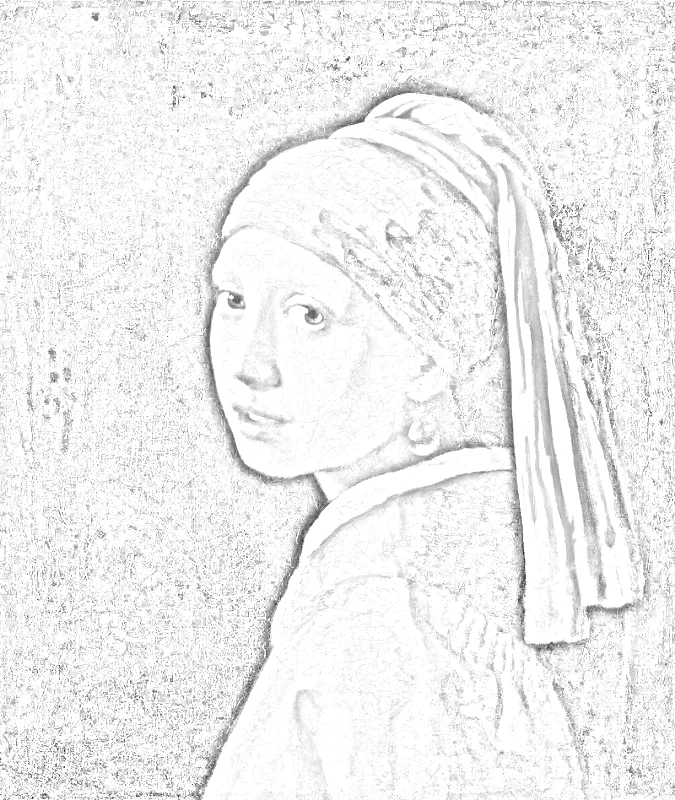
The word sfumato is Italian for “softened” or “smoked away”. Shading in this style moves from light to dark with no hard line between them, and Leonardo da Vinci’s faces are the best-known examples. To study the effect, turn a photo into a pencil sketch here and compare where the sketch keeps a stroke with where it leaves the paper white.
How to use sfumato
Choose a photo
Press “Choose a photo” and pick a portrait, a hand or a still life lit by soft light. JPG, PNG, WebP and iPhone HEIC photos open.
Look at the pencil sketch
The sketch appears right away in your browser: flat areas and very gradual shading turn white, while edges stay as grey strokes. The photo is never uploaded.
Adjust the strokes
Under “More settings” change stroke width, darkness and smoothing. Tap “Line drawing” for clean black lines on white, and “Show my photo” to check the sketch against the original.
Save the picture
Press “Download PNG” to save the sketch free, at 1500 pixels on its long side and with no watermark. Keep the file beside your paper or canvas as a guide to the firm edges.
Where to spot sfumato in a painting
Start with the corners of the mouth and the eyes. In a sfumato passage, shadow gathers there without a drawn edge, so the expression seems to shift as you look. Hold a picture at arm’s length and squint. If you cannot find a line where the cheek turns into shadow, the painter blended the tones.
The Mona Lisa is the standard example, but Virgin of the Rocks and Lady with an Ermine reward a slow look too. Set one of them beside a painting with crisp outlines, such as a flat poster-style portrait. Seeing both together teaches the difference faster than any definition.
Choose a photo that behaves like soft light
Pick a photo with one gentle light source. A face near a window on an overcast day works well, and so does a portrait in open shade or in evening light. Shadows in that kind of light fade slowly, so the sketch leaves most of them white and draws strokes only at the few firm edges.
Avoid direct flash and midday sun. Both throw sharp shadow edges that come out as dark, narrow strokes, and no amount of smoothing makes them look gradual. A plain background slightly darker than the skin helps the form stand out without a border.
Close crops of a face, a hand or a piece of fruit give the clearest lesson. A small figure in a busy scene spreads the soft transitions too thin to study.
Read the sketch for soft and hard edges
Dark, narrow strokes mark true edges, such as the line of a jaw against a bright wall. Where a cheek turns slowly into shadow, the sketch shows little or nothing, because very gradual shading comes out white. Those empty places are where the tones blend, and they are the areas to copy when practicing sfumato.
Switch to the line drawing and note which parts stay. Whatever disappears was soft. Switch back and raise the smoothing to watch hard strokes relax into the surrounding grey. Raising the darkness makes the faintest transitions easier to see. Use “Show my photo” to see the shading the sketch leaves out, since the original shows how dark each soft area is.
Draw a soft-edged study by hand
Keep the sketch on screen or printed from the saved file next to your paper. Then work in layers:
Leave the lips and eyelids without a contour. Let the shadow beside them describe their shape.
- Lay a very light grey over the whole shadow shape with a soft pencil, using no outline.
- Add a second, slightly darker layer only where the photo shows deeper shade.
- Blend in small circles with a fingertip, a paper stump or a soft cloth until the pencil grain disappears.
- Lift highlights with a kneaded eraser instead of drawing around them.
- Step back after each layer and look for any line that still shows, then blend it away.
Paint it with thin layers
Painters build sfumato from many thin, transparent layers called glazes, each one dry before the next goes on. Slow-drying oil paint also allows blending while the surface is still wet. A soft, natural-hair brush leaves fewer ridges than a stiff one, and a light touch matters more than pressure.
Keep neighboring colors close in value. Skin next to a shadow that is only a little darker blends easily, while a big jump in value forces an edge. Treat the background the same way: objects farther away get softer and cooler, which adds the hazy depth seen behind Leonardo’s figures.
A short practice plan
Three small exercises build the skill without a finished portrait:
Repeat the same exercise on a second photo with harder light. Comparing the two results shows how much the lighting decides how soft the edges can be.
- Shade a ball so it turns from light to dark with no visible steps.
- Copy one cheek from your photo, using the sketch only to place its few firm edges.
- Draw a mouth with no outline, using shadow alone to place the corners.
Know when to keep an edge
Soft blending reads best against a few crisp accents. A bright highlight on an eye, the edge of a collar or a dark lash line gives the eye something firm to rest on. If every edge is blurred, the picture looks out of focus rather than atmospheric.
Painters of broken color work the opposite way. They leave visible strokes and rough edges, and the picture holds together from a distance. Trying a small study in each approach shows which one suits the subject in front of you.
FAQ
What is sfumato in simple terms?
Sfumato is a way of shading in which tones blend so smoothly that no visible line separates them. Instead of outlining a lip or an eyelid, the painter lets a soft shadow define the shape. The result looks hazy and lifelike, as if the form were seen through a thin veil of smoke.
How do you pronounce sfumato?
Sfumato is pronounced roughly “sfoo-MAH-toh”, with the stress on the middle syllable. The first sound blends an “sf” cluster, which is normal in Italian. The word comes from fumo, the Italian word for smoke, and means “smoked away” or “softened”.
Did Da Vinci invent sfumato?
Leonardo da Vinci is the painter most often linked with sfumato, and the Mona Lisa is its best-known example. Naming one inventor matters less than the method itself, which you can practice: build shadow in soft layers, leave out the outline and let the tone alone describe the form.
What is the difference between the pencil sketch and the line drawing?
The pencil sketch keeps grey strokes at edges, and very gradual shading comes out white, so whatever the sketch leaves out is where the tones blend. The line drawing keeps only clean black lines on white. Putting both next to your photo tells you which parts are soft and which are crisp.
Updated
Related tools
- 10x10 gridPrint a blank 10x10 grid with 100 squares in three sizes. Add numbers 1 to 100, then print the sheet or save it as a clear PNG.
 4 Quadrant Graph PaperPrint free 4 quadrant graph paper with bold x and y axes, numbered both ways from 0. Pick square size and paper, then save as PDF, PNG or JPG.
- 8x8 gridPrint a free 8x8 grid of 64 squares in your browser. Pick Small, Medium or Large squares, add letters and numbers, then print or save a PNG.
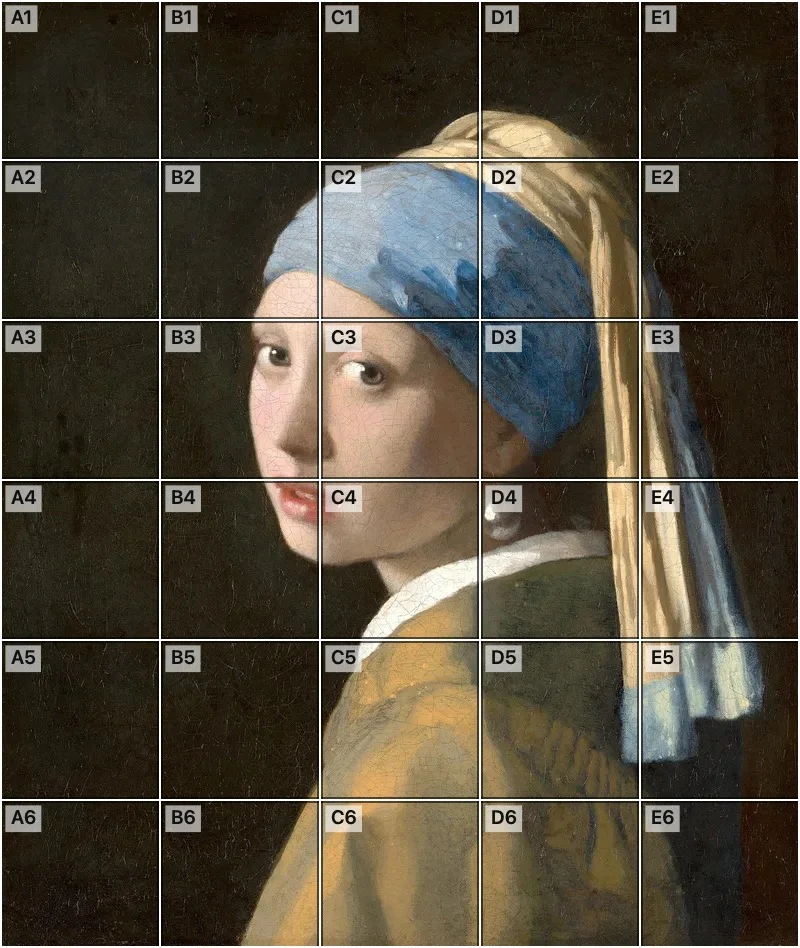 Add grid to photoAdd a grid to any photo in your browser, with no sign-up and no watermark. Get a numbered grid or a plain grid overlay, then save it or print it at true size.
- Ar TracingInstead of ar tracing with a phone stand, put a numbered grid on your own photo, then save or print it and copy it square by square. Free, no sign-up.
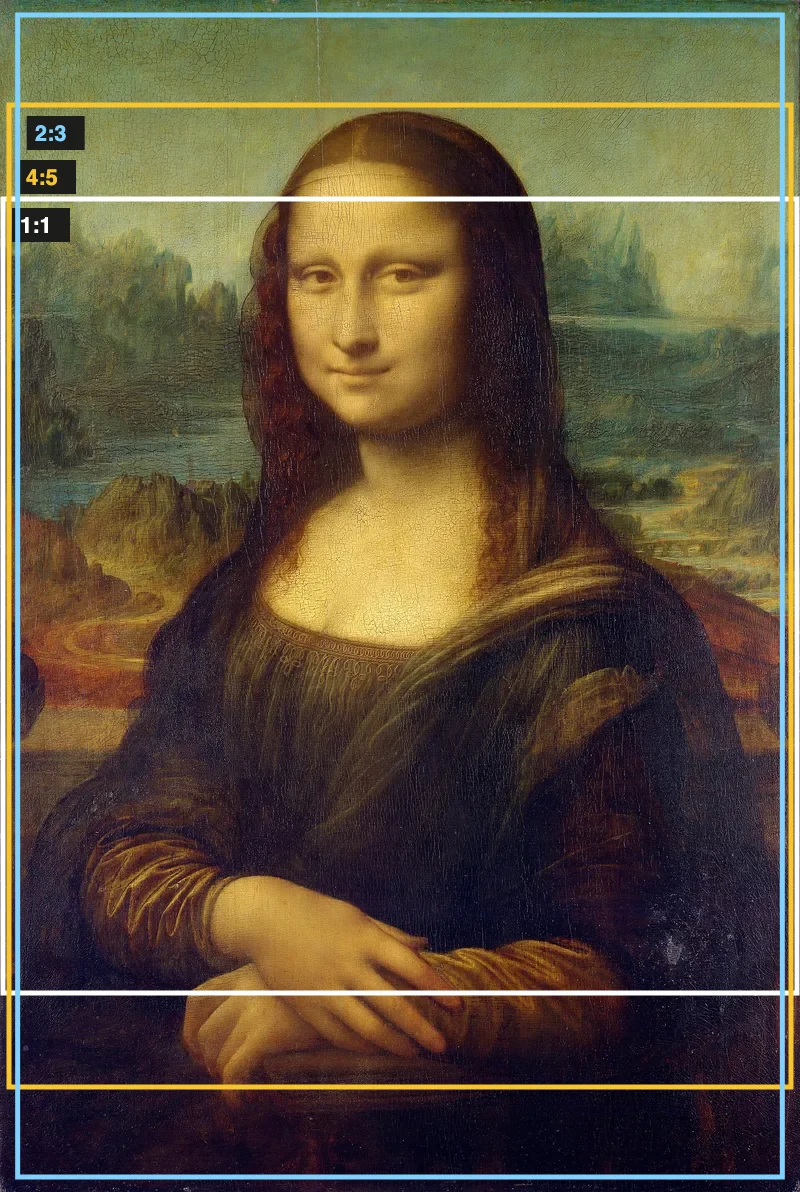 Aspect Ratio CalculatorUse this aspect ratio calculator to turn a width and height into a ratio like 16:9. You also get the decimal and a resize that keeps the shape.
- Atmospheric PerspectiveAdd a numbered grid to a photo and compare near and far squares to see atmospheric perspective: lighter values, softer color. Free, in your browser.
- Bargue DrawingPractice Bargue drawing from your own photo: add a numbered grid with 5, 8 or 12 squares across, then save it or print a gridded sheet and an empty one.