How can the Munsell system help me paint a photo by number?
The Munsell system helps by giving you three questions to ask about every color chip: which hue, how light or dark, how strong. Choose a photo and you get numbered shapes with a color chip for each number, so you can judge each chip on those three points before you mix and paint.
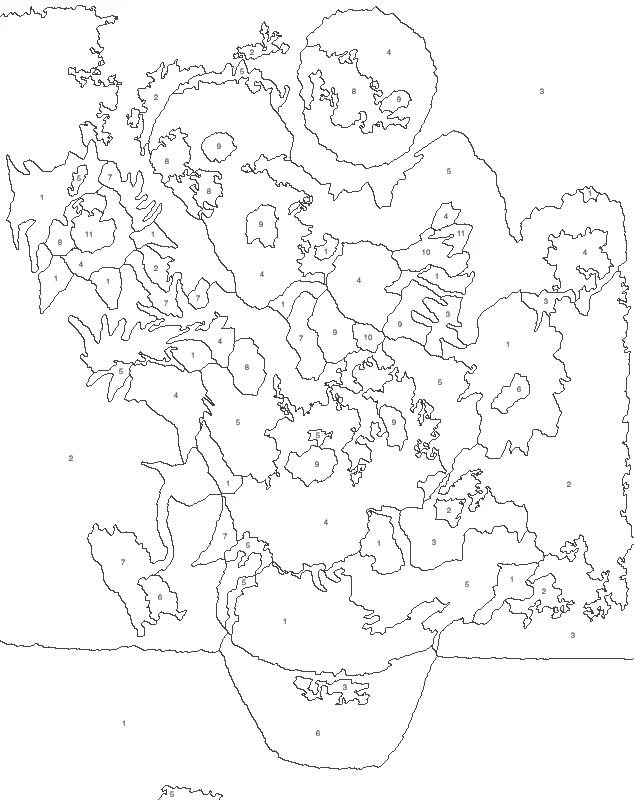
The Munsell system describes any color by hue, value and chroma. Put a photo into the paint by number sheet, then look at each chip under those three headings to decide how to mix it. Up to 12 colors are free.
How to use munsell system
Choose a photo
Press “Choose a photo” and pick a JPG, PNG, WebP or iPhone HEIC picture. The numbered shapes and a color chip for each number appear on the same page.
Set the number of colors
Pick 8 colors or 12 colors on the main buttons. Under “More settings” you can set anything from 4 to 24 colors, change the smoothness and turn the numbers on or off.
Compare chips and picture
Switch between the numbers view and the colors view. Look at each chip and name its hue, how light or dark it is, and how strong it is.
Save and paint
Press “Download PNG” for a free picture at 1500 pixels on its long side. With Pro you can also get a three-page Letter or A4 PDF with the key.
Read every chip in three parts
Before you open a tube of paint, say three things about the chip out loud. First the hue: is it a yellow-green or a blue-green? Then the value: is it close to white, a middle tone or nearly black? Last the chroma: is it vivid, or dulled with gray? Mixing goes faster when you know which of the three is wrong.
Fix value first
A chip with the right hue but the wrong lightness looks off in the finished picture. Mix a small patch, let it sit beside the chip, and adjust lightness before anything else. Getting value right keeps neighboring shapes from blending together.
Use fewer colors to practice
Choose 8 colors for a first sheet. With fewer chips, each hue, value and chroma decision is easier to see, and you learn how one mix shifts into the next. Move up to 12 colors once the mixes feel familiar.
Keep a mixing sheet
Next to the numbered sheet, write each number with a note such as “warm yellow, light, medium strength”. Painting a second copy of the same photo, or a new picture with similar colors, then starts from your own notes.
Teach with it
A class or a family painting day can share one sheet. Give each person a few numbers and ask them to match their chips by hue, value and chroma, then compare the patches side by side.
FAQ
How do I use the Munsell system on a paint by number sheet?
Describe each color chip in three parts: its hue (the color family), its value (how light or dark it is) and its chroma (how pure or gray it is). Mix your paint to match those three parts for each number, then check the result against the chip.
What is the Munsell color chart used for?
The Munsell system is used to name colors by number instead of by loose words. Artists use it to plan mixes, and soil scientists, food graders and manufacturers use it to describe and compare colors. On a paint by number sheet, the same three-part thinking helps you match chips.
Do I need Munsell codes to match the color chips?
No. Each number comes with a color chip you can see, so you can match it by eye. Read the chip as hue, value and chroma, then mix your paint to match those three parts. Hold the painted patch beside the chip to check it.
Updated
Related tools
- 10x10 gridPrint a blank 10x10 grid with 100 squares in three sizes. Add numbers 1 to 100, then print the sheet or save it as a clear PNG.
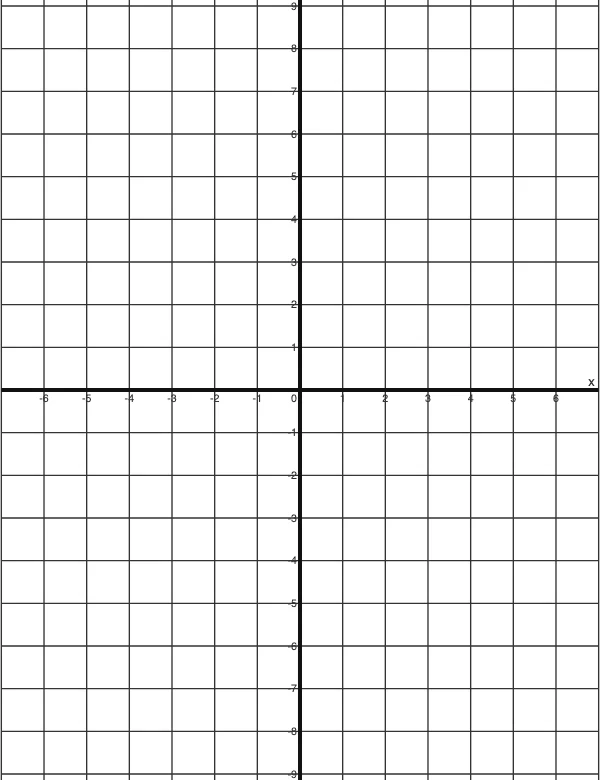 4 Quadrant Graph PaperPrint free 4 quadrant graph paper with bold x and y axes, numbered both ways from 0. Pick square size and paper, then save as PDF, PNG or JPG.
- 8x8 gridPrint a free 8x8 grid of 64 squares in your browser. Pick Small, Medium or Large squares, add letters and numbers, then print or save a PNG.
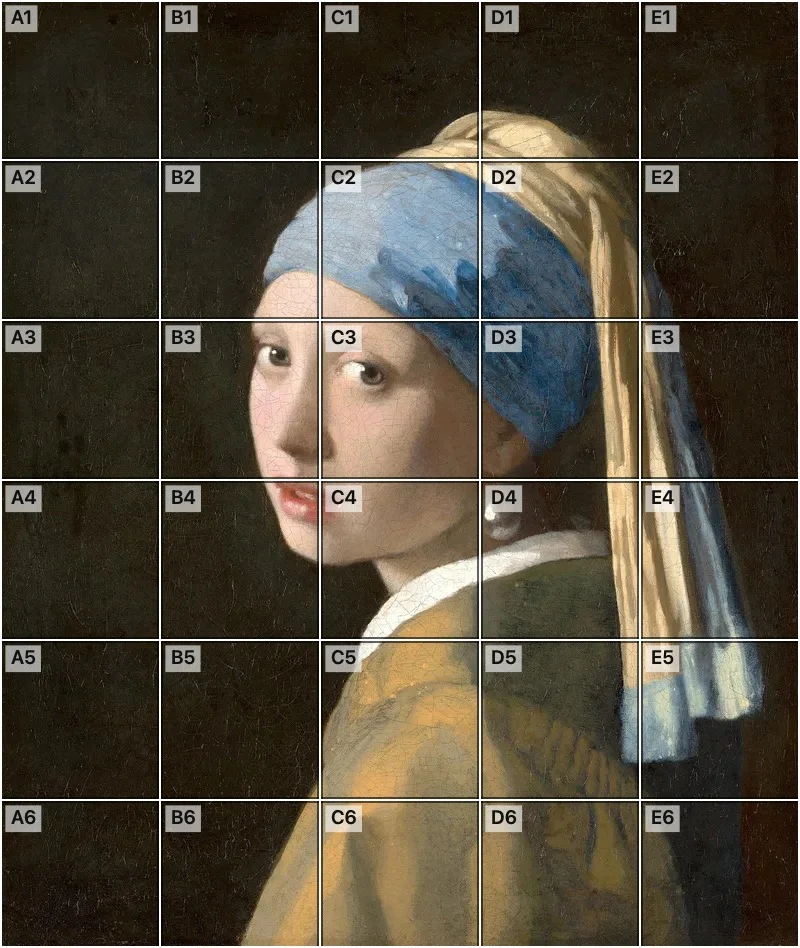 Add grid to photoAdd a grid to any photo in your browser, with no sign-up and no watermark. Get a numbered grid or a plain grid overlay, then save it or print it at true size.
- Ar TracingInstead of ar tracing with a phone stand, put a numbered grid on your own photo, then save or print it and copy it square by square. Free, no sign-up.
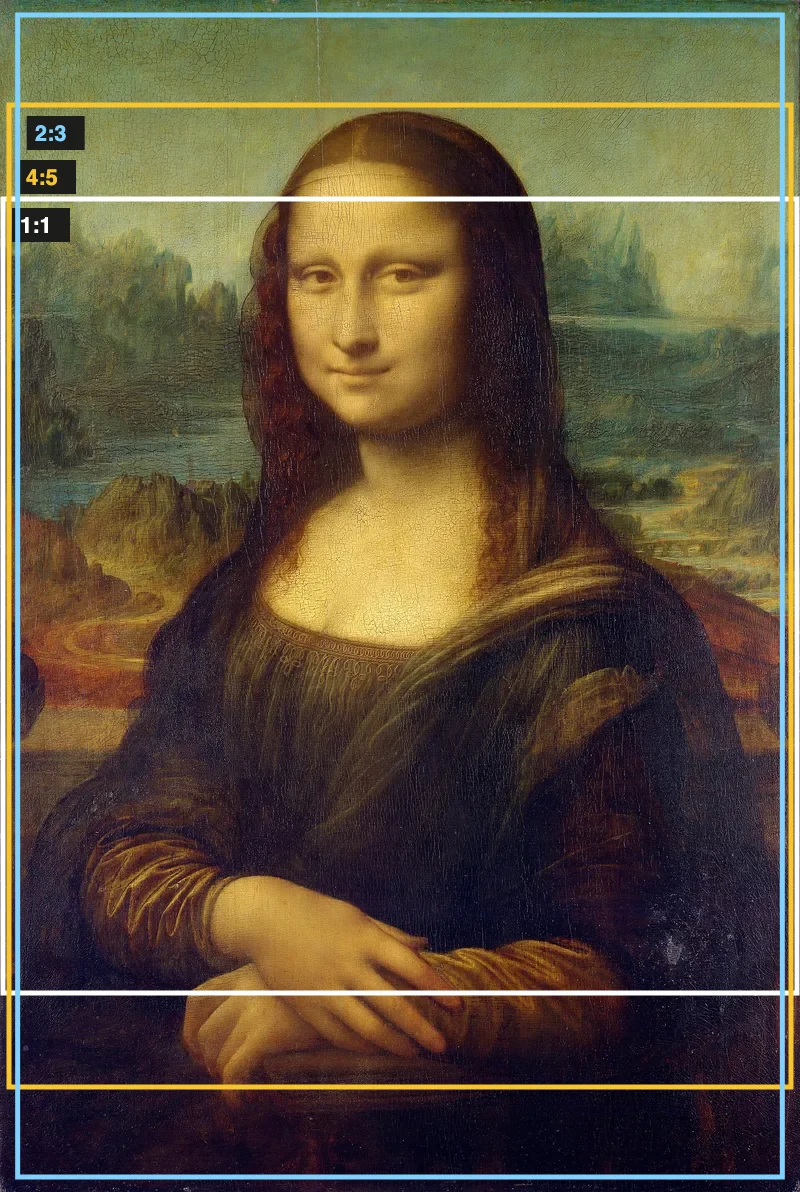 Aspect Ratio CalculatorUse this aspect ratio calculator to turn a width and height into a ratio like 16:9. You also get the decimal and a resize that keeps the shape.
- Atmospheric PerspectiveAdd a numbered grid to a photo and compare near and far squares to see atmospheric perspective: lighter values, softer color. Free, in your browser.
- Bargue DrawingPractice Bargue drawing from your own photo: add a numbered grid with 5, 8 or 12 squares across, then save it or print a gridded sheet and an empty one.