What does plein air mean in painting?
Choose a photo of your outdoor scene or study; on a computer you can also drag it onto the page.
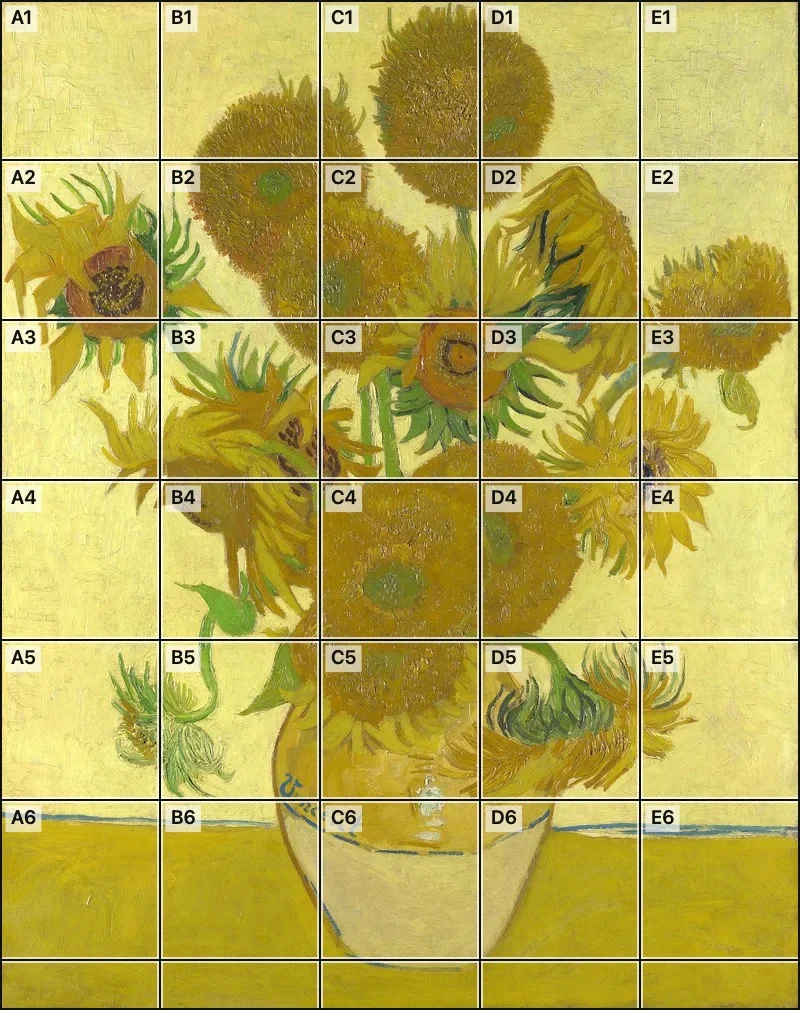
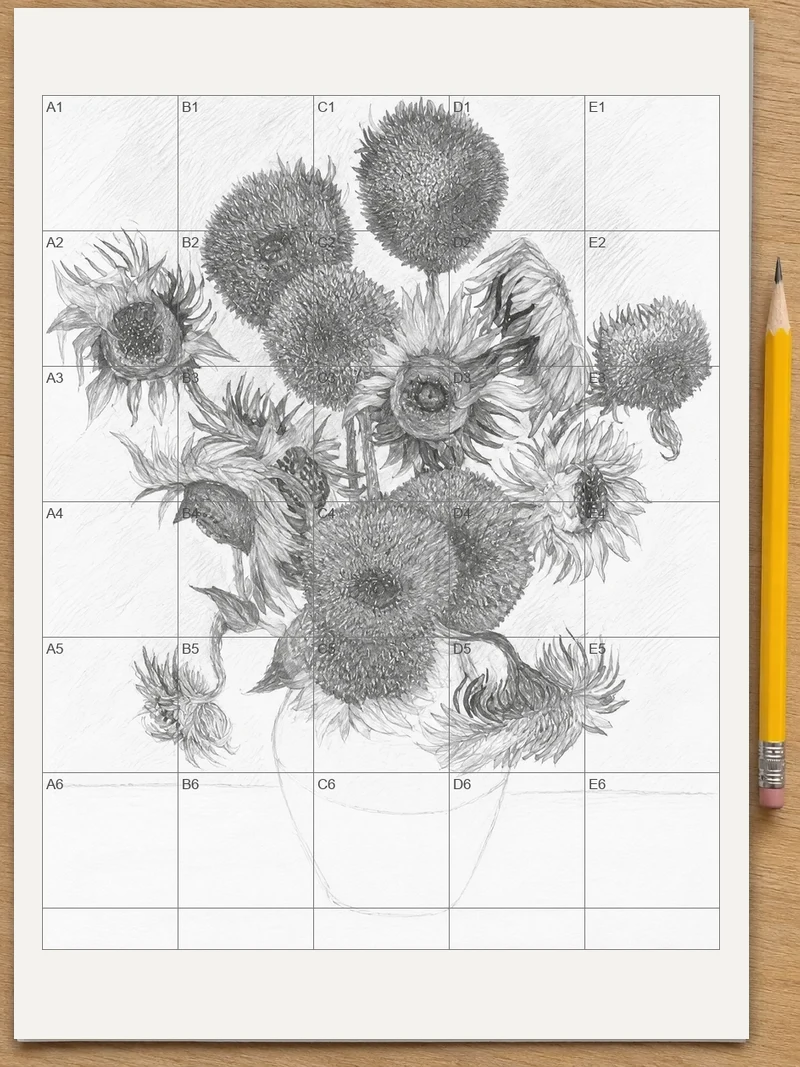
The term plein air means painting outdoors, in front of the scene, instead of working from memory or sketches in a studio. Choose a photo of your outdoor view or study and a numbered grid with squares named A1, B2 and so on appears over it, ready to save or print for transferring the scene to a larger canvas.
Plein air is French for “open air.” In art, the phrase describes painting a landscape on location, with the subject in front of you. English speakers usually say it like “plain air,” and the spelling is two words, plein air.
How to use plein air
Choose your scene photo
Press “Choose a photo” and pick the picture of your outdoor view. JPG, PNG, WebP and iPhone HEIC files open. On a computer, you can also drag the photo onto the page.
Set how many squares
The numbered grid appears right away at Medium. Press Fewer for broad shapes or More for a scene with small details. Each square has a map-style name, and the top-left square is A1.
Look at squares one by one
Tap any square to open it large. Use Previous and Next to walk through the squares in reading order, so you check the whole scene without skipping a corner.
Save or print the grid
Press “Save to Photos” on a phone or “Download” on a computer. Or press “Print” for two true-size sheets: the photo with its grid, then an empty grid to draw on.
Photograph the scene from your painting spot
Take the reference photo before you pack up, from the spot where your easel stood. Hold the phone level, include the whole view you painted, and shoot while the light still matches your study. A photo taken an hour later shows different shadows, and a grid will carry those wrong shadows into your studio drawing. A photo taken with the phone turned sideways is no problem, because it opens the right way up.
Use the same number of squares on the photo and the study
When you want a large studio canvas from a small outdoor study, give both the same grid. Name squares the way a map does: if the tree trunk sits in C4 on the photo, look in C4 on your sheet. The second printed page is the same grid left empty, so you can draw in square C4 what you see in square C4. Work one square at a time and the proportions of the scene stay where you put them.
Match the square count to the scene
Press Fewer when the view is made of a few large masses: a sky, a field, one dark group of trees. Fewer squares force you to see big shapes first, which is also how most painters begin on location. Press More for a harbor with masts, a row of houses or a fence line, where small shifts in position change the look of the whole picture. Medium suits most hillsides and lakes.
Check one square at a time
Tap a square to look at it large. Seen large, a single square shows the edge between light and dark more clearly than the full photo does. Press Next to move through the squares in reading order, and pause on the ones where a tree meets the sky or a roof meets a hill, because the edges are where drawings drift.
Keep the lines readable on busy foliage
Leaves, water and rock can swallow thin lines. The automatic line color is picked for the photo, dark on a light picture and white on a dark one. If lines still get lost in a patch, open Adjust grid and choose black, white or another color, then make the lines thicker or more opaque. Lower the opacity instead when the lines crowd the small details you want to see.
Simplify before you draw
A camera records every leaf, but a plein air study usually drops most of them. Decide which three or four shapes carry the scene, and draw only those in the first pass. The grid helps here: if a square holds nothing but a patch of grass, give it one flat tone and move on. Details can be added after the large shapes sit correctly.
Trust the study for color, the photo for placement
Photos flatten shadows and shift colors, especially in strong sun or under heavy cloud. Keep your outdoor study as the authority on color and mood, and use the gridded photo only as a guide to where things sit. When the two disagree about a color, go with the study you painted while looking at the real scene.
Print the sheets before the next outing
Print at 100% or actual size and slip the sheets into your sketchbook. Choose A3 under Adjust grid if you want a larger drawing sheet. Each page states how wide its squares are, so a canvas twice as large simply needs squares twice as wide. For exact sizes on a specific canvas or wall, the grid calculator page works the numbers out for you.
FAQ
What is the meaning of plein air?
Plein air is French for “open air.” In painting it means working outdoors, with the landscape or street in front of you, rather than copying it later in a studio. The full French phrase is “en plein air,” and English-speaking artists often shorten it to plein air.
How do you pronounce “plein air”?
English speakers usually say “plain air,” rhyming the first word with “rain.” In French the two words run together, close to “pleh-NAIR.” Either way, both words are short and carry about the same stress.
Why do they call it plein air painting?
The name comes from the French for “open air,” because the painter sits outside in the weather and light of the subject. The term separates this work from studio painting, where a picture is built indoors from drawings, memory or photographs.
Is it plein air or plein aire?
The correct spelling is plein air, two words, with no “e” on the end of air. “Plein aire” is a common misspelling, probably because the word sounds like “plain.” The French phrase “en plein air” is also correct, with the same spelling.
Updated
Related tools
- 10x10 gridPrint a blank 10x10 grid with 100 squares in three sizes. Add numbers 1 to 100, then print the sheet or save it as a clear PNG.
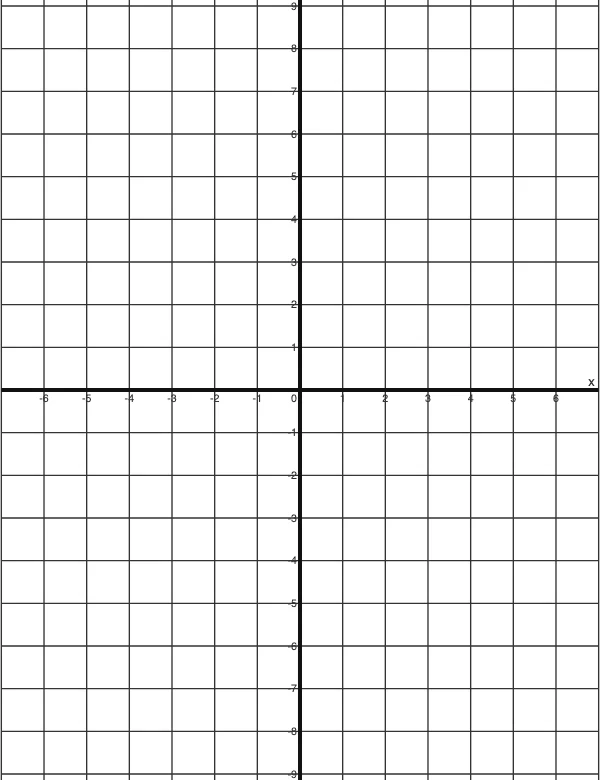 4 Quadrant Graph PaperPrint free 4 quadrant graph paper with bold x and y axes, numbered both ways from 0. Pick square size and paper, then save as PDF, PNG or JPG.
- 8x8 gridPrint a free 8x8 grid of 64 squares in your browser. Pick Small, Medium or Large squares, add letters and numbers, then print or save a PNG.
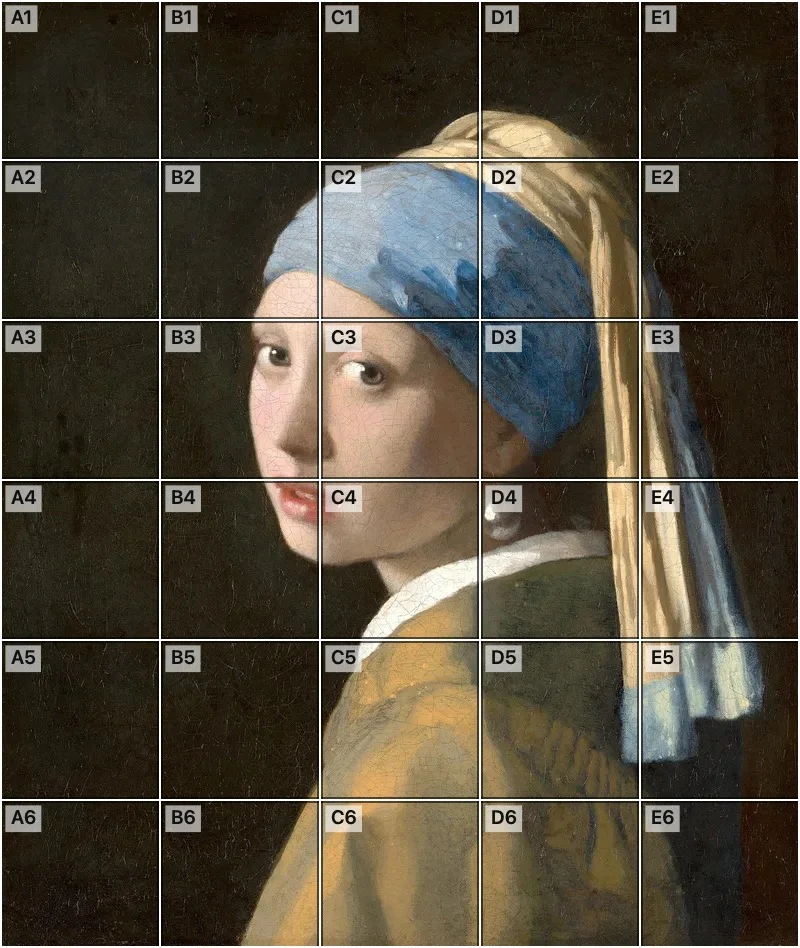 Add grid to photoAdd a grid to any photo in your browser, with no sign-up and no watermark. Get a numbered grid or a plain grid overlay, then save it or print it at true size.
- Ar TracingInstead of ar tracing with a phone stand, put a numbered grid on your own photo, then save or print it and copy it square by square. Free, no sign-up.
 Aspect Ratio CalculatorUse this aspect ratio calculator to turn a width and height into a ratio like 16:9. You also get the decimal and a resize that keeps the shape.
- Atmospheric PerspectiveAdd a numbered grid to a photo and compare near and far squares to see atmospheric perspective: lighter values, softer color. Free, in your browser.
- Bargue DrawingPractice Bargue drawing from your own photo: add a numbered grid with 5, 8 or 12 squares across, then save it or print a gridded sheet and an empty one.