How do I make a square grid to print with the exact rows and columns I need?
A4 paper. 6 by 6 squares, each 3.1 cm wide.
Make a square grid with the exact number of columns and rows you need. Type both and pick Small, Medium or Large squares, and the sheet appears on the page, ready to print. The squares are always exactly square. Turn on “Add numbers” to get letters along the top and numbers down the side. The tool is free, adds no watermark and needs no sign-up.
Set Columns and Rows, choose Small, Medium or Large squares, and press the print button. To name each square, “Add numbers” puts letters along the top and numbers down the side.
How to print a square grid
Enter columns and rows
Type a number from 1 to 50 in Columns and in Rows. The sheet starts at 6 by 6, so change only what your drawing, map or table needs.
Choose a square size
Pick Small, Medium or Large. Small squares are 1/4 inch on Letter or 5 mm on A4, and Medium are 1/2 inch or 1 cm. Large makes them as big as the sheet allows.
Add numbers if you want them
Turn on “Add numbers” to put letters along the top and numbers down the side. Every square then has a name made of its column letter and row number, which makes it easy to call out.
Print or save the sheet
Press the print button, which names your grid, such as “Print 6 by 6 grid”. In the print dialog, choose 100% or actual size. To keep the grid as a picture, use “Save as a clear PNG”.
Who uses a blank square grid
A blank grid is a starting point, and people reach for it in different ways.
A math teacher prints a 10 by 10 sheet so students can shade 25 squares and see a quarter. A game master draws a dungeon room, one square for each step a character takes. A cross-stitcher plans a small pattern before buying thread. A writer sketches a floor plan so that doors and windows stay in the right places. A student practicing lettering fills the squares with evenly sized letters, one letter to a square.
In each case the grid does one job: it turns a loose sheet into something you can measure and count.
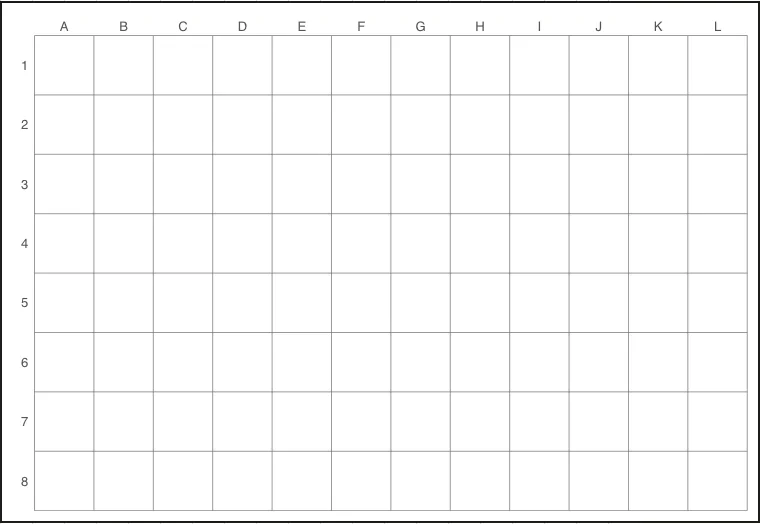
12 columns and 8 rows, with Add numbers on.
Set the square grid generator to the shape of your subject
Before typing numbers, look at what you plan to put on the sheet.
A tall subject, such as a standing figure or a doorway, wants more rows than columns. A wide subject, such as a landscape or a tabletop, wants more columns. If the subject is roughly square, give both fields the same number. Counting how many squares your subject spans in each direction takes a moment, and it saves reprinting.
For a first try, keep the 6 by 6 start and change one field at a time. Then print a sheet and see whether the squares suit your subject. Finer detail calls for more columns and rows; a bolder, simpler layout calls for fewer.
Enlarge a small reference drawing
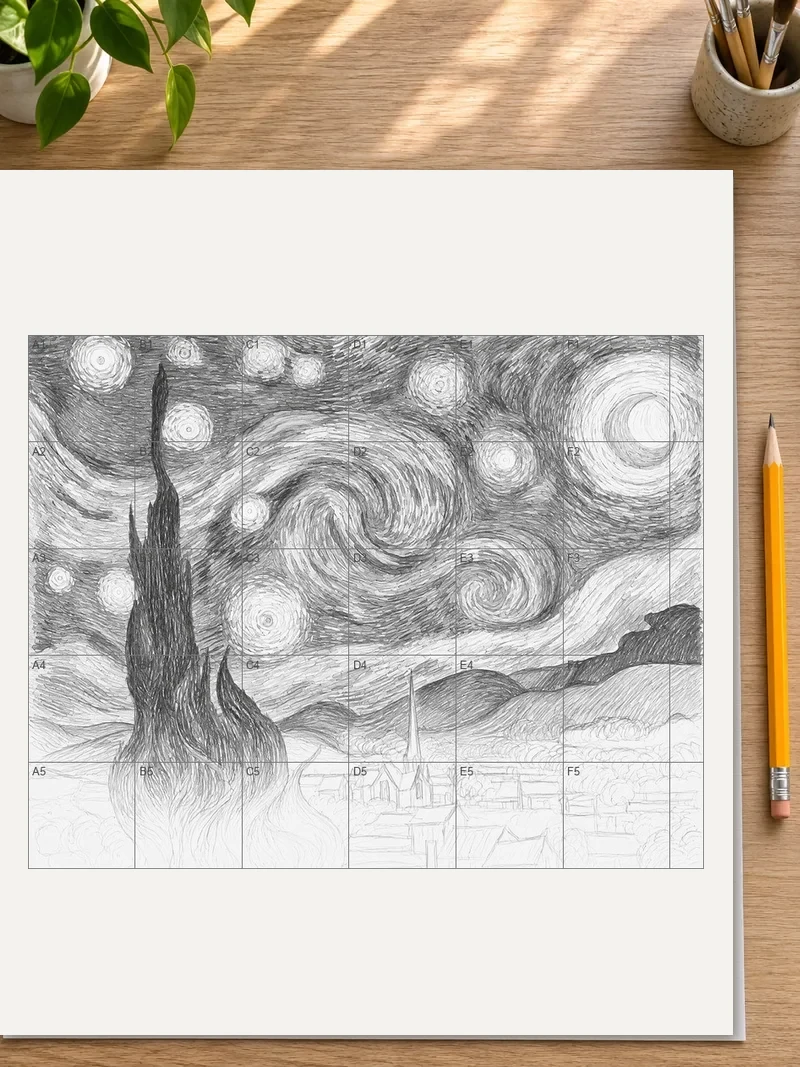
A classic use of a square grid is copying a picture at a bigger size. Draw a light grid with the same number of columns and rows on your reference. Then print the sheet at a larger square size for the final drawing. Work one square at a time. Look at where a line enters a square, where it leaves, and draw only that part.
The columns and rows must match on both sheets. If the reference is 8 by 6, the large sheet is 8 by 6 as well. Only the square size changes.
Turn on “Add numbers” for this. You can say “the curve starts at the top edge of C3 and ends at the right edge of D3”. That is much easier than holding your place by eye.
Plan pixel art and stitch patterns
For pixel art, count the width and height of the finished piece in blocks and type those numbers as Columns and Rows. Every square is then one pixel, one bead or one stitch. Fill squares with colored pencils, or mark them with a symbol for each color.
A small sheet of 16 columns by 16 rows is plenty for an icon or a character. For a larger pattern, add columns up to the 50 limit. At 50 columns each square is under 4 mm, so tape sheets together if you want more room to color.
To keep a finished pattern on your phone, take a photo of the sheet. To color it on a screen, save the PNG with a clear background and fill the squares in a drawing app.
Use the letters and numbers as coordinates
A numbered grid gives every square an address. That helps in more places than drawing.
Agree on the starting corner first. The letters run across the top and the numbers run down the side, so A1 is the top-left square.
- In a classroom guessing game, players call out squares such as B4 to find hidden shapes.
- In a planning sheet for a garden bed, A1 can be the corner by the gate, and each plant gets a square.
- In a seating chart, each square is a seat, and you write names inside.
- In a map for a story or a game, you can list what is in each square in a short key.
Print it so the squares come out true
Open the print window and look for the scale or size setting before you press print. Pick 100% or actual size. “Fit to page” enlarges or shrinks the sheet, and the squares stop matching the width stated under your choices.
Print one page first. Hold a ruler against a square. On Letter paper a Medium square should measure 1/2 inch, and on A4 it should measure 1 cm. If the measurement is right, print as many copies as you need.
Use paper that suits what you will do next. Plain copier paper is fine for pencil sketches. Heavier paper holds up better under markers and watercolor washes.
Draw on the sheet without losing the lines
Work lightly in pencil first, so the grid stays the main guide and your marks stay easy to erase. Once the drawing is right, go over the final lines in pen. The printed grid stays, but it fades behind the darker lines. For a clean final drawing, trace it onto thin paper laid over the sheet.
If you plan to draw on a tablet, use the PNG with a clear background and put it on a layer under your drawing layer. The grid stays underneath, and your lines sit on top.
Need standard graph paper instead?
This page builds a grid from the columns and rows you type. For ruled paper at a standard square size, such as 1/4 inch or 5 mm, across the whole sheet, use the printable grid paper page.
Keep a few sheets for repeat use
You may use the same layout every week, such as a lettering practice sheet or a weekly planner. Set the columns, rows and size once and print several copies together. Write down the three settings on the first printout, for example 12 columns, 8 rows, Medium. The next time you need the sheet, you can recreate it in a minute.
FAQ
Is this square grid maker free to use?
Yes. It is free, adds no watermark and needs no sign-up or app. Open the page in a browser on a phone, tablet or computer and set your columns and rows. Then print the sheet or save it as a PNG.
What is a 3x3 square grid?
A 3x3 square grid is a grid with three columns and three rows, nine squares in all. Enter 3 in both Columns and Rows to see it on the sheet. Three across and three down is the layout behind tic-tac-toe boards and simple composition guides.
How many squares are there in a 2 * 2 grid?
A 2 * 2 grid has 4 small squares. If you also count the large square formed by all four together, the total is 5. Enter 2 in both Columns and Rows to see the squares on the sheet.
Which paper size should I choose?
Use the size your printer holds. Your browser’s region decides if the page starts with Letter or A4, and a button under the sizes swaps to the other one. On Letter the squares are measured in inches, on A4 in millimeters and centimeters.
Which grid spacing should I choose?
Choose Small for fine detail, Medium for everyday sketching and notes, and Large when you want the biggest squares the sheet can hold. If the squares you ask for would not fit, they shrink to fit. The line under the choices gives each square’s width.
My printed squares came out too big or too small. Why?
The print window probably scaled the page. Choose 100% or actual size for the scale, and switch off settings like “Fit to page” or “Shrink to fit”. Then measure one square with a ruler and compare it with the width shown under the choices.
Can the squares run right to the edges of the sheet?
Choose Large, with more rows than columns. On Letter, 8 columns and 11 rows nearly fills the page. Check the preview before you press print.
Which file format should I download?
Use the PNG with a clear background when you want to place the grid in another document or draw on it digitally. Use the print button when you want paper. The PNG is a 1500 pixel picture of the sheet, or 3000 pixels with Pro.
Updated
Related tools
- Printable grid paperGet printable grid paper with Small, Medium or Large squares. Print a sheet on Letter or A4 paper, free, with no sign-up.
- 10x10 gridPrint a blank 10x10 grid with 100 squares in three sizes. Add numbers 1 to 100, then print the sheet or save it as a clear PNG.
- 8x8 gridPrint a free 8x8 grid of 64 squares in your browser. Pick Small, Medium or Large squares, add letters and numbers, then print or save a PNG.
- Perspective gridMake a perspective grid with 1, 2 or 3 point lines and a High, Middle or Low horizon. Print the sideways sheet or save it as a PNG.
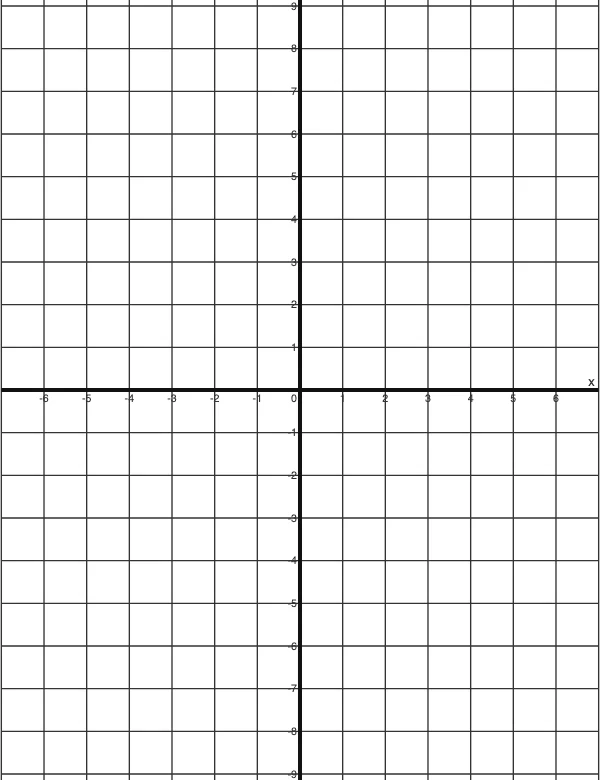 4 Quadrant Graph PaperPrint free 4 quadrant graph paper with bold x and y axes, numbered both ways from 0. Pick square size and paper, then save as PDF, PNG or JPG.
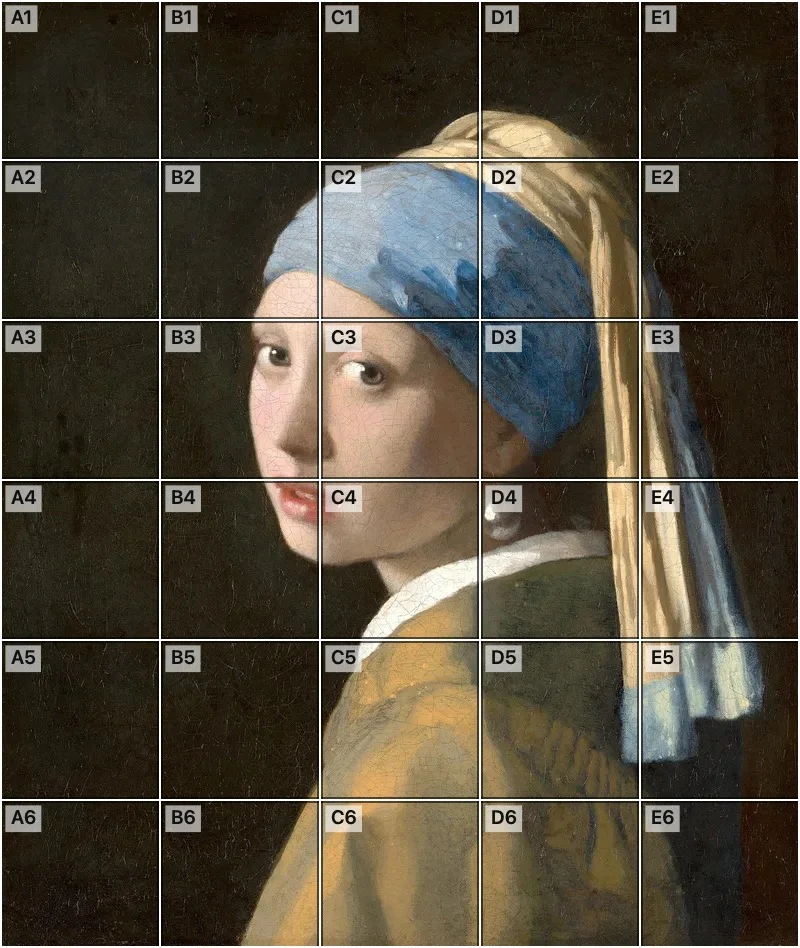 Add grid to photoAdd a grid to any photo in your browser, with no sign-up and no watermark. Get a numbered grid or a plain grid overlay, then save it or print it at true size.
- Ar TracingInstead of ar tracing with a phone stand, put a numbered grid on your own photo, then save or print it and copy it square by square. Free, no sign-up.
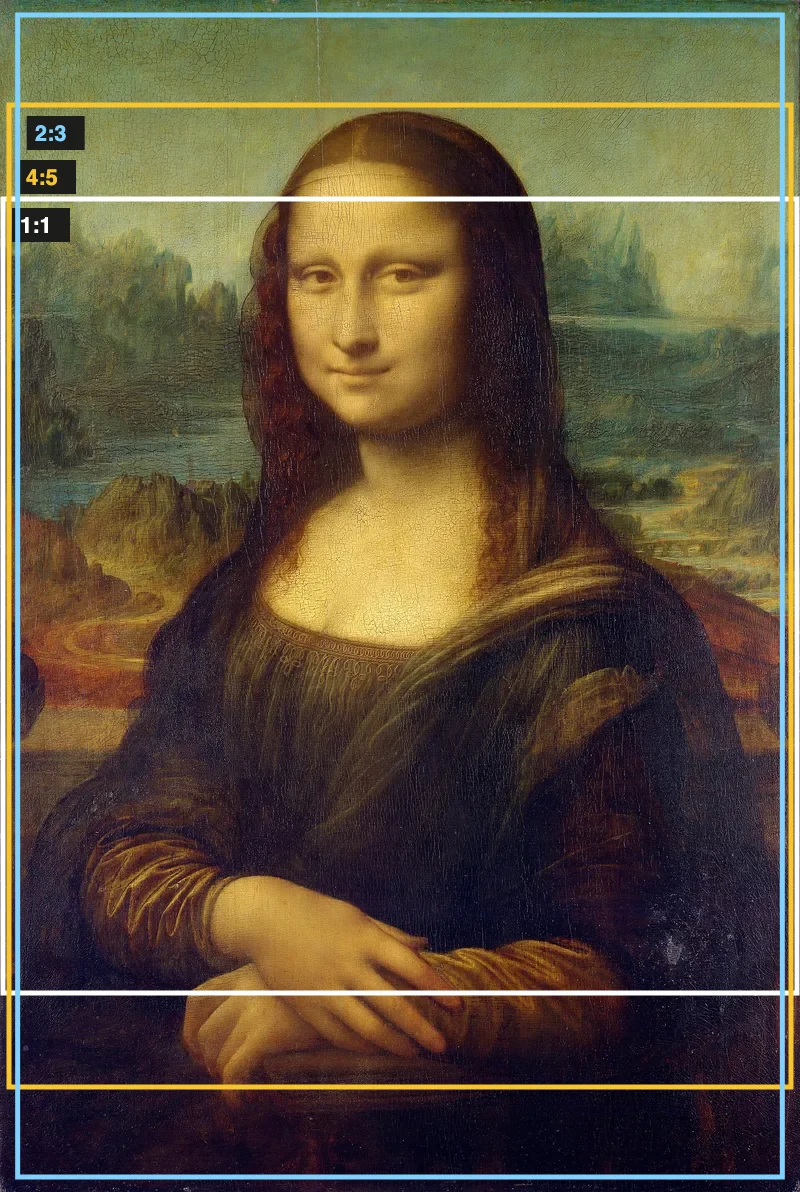 Aspect Ratio CalculatorUse this aspect ratio calculator to turn a width and height into a ratio like 16:9. You also get the decimal and a resize that keeps the shape.