Can I do a photo to sketch conversion online for free?
Choose a picture and this free online photo to sketch tool turns it into a pencil sketch in your browser. You get soft gray strokes on white paper. One tap switches the result to a clean black line drawing. Flat areas go white, while edges and shadows stay as strokes. The sketch downloads as a free PNG with no watermark, and the photo never leaves your device.
Yes, photo to sketch conversion is free here, with no sign-up and no watermark. Choose a photo, look over the pencil sketch that appears, press “Line drawing” if you want crisp black outlines, then download the PNG.
How to turn a photo into a sketch
Choose a photo
Press “Choose a photo” and select the picture you want drawn.
Look at the pencil sketch
The sketch appears on the same page: soft gray strokes on white. Use “Show my photo” under “More settings” to compare the sketch with the original.
Switch the style or adjust it
Press “Line drawing” for clean black lines on white. Under “More settings”, change the stroke width, darkness and smoothing until the strokes suit the subject. On a line drawing, the first two are named “Line width” and “How much to draw”.
Download the PNG
Press “Download PNG” to save the sketch. The file is 1500 pixels on its long side. Open it in any picture viewer, print it or send it to someone.
Pick a photo that sketches well
Look through your camera roll for pictures with a clear subject and a visible difference between light and dark. A pencil sketch is built from edges and shadows. A photo where the subject stands out from the background gives strokes in the right places. A photo taken near a window, with soft daylight falling on the subject, gives smooth, readable shading.
If you have three or four candidates, try them all and keep the sketch you like best. The best sketch is often not from the best photograph.
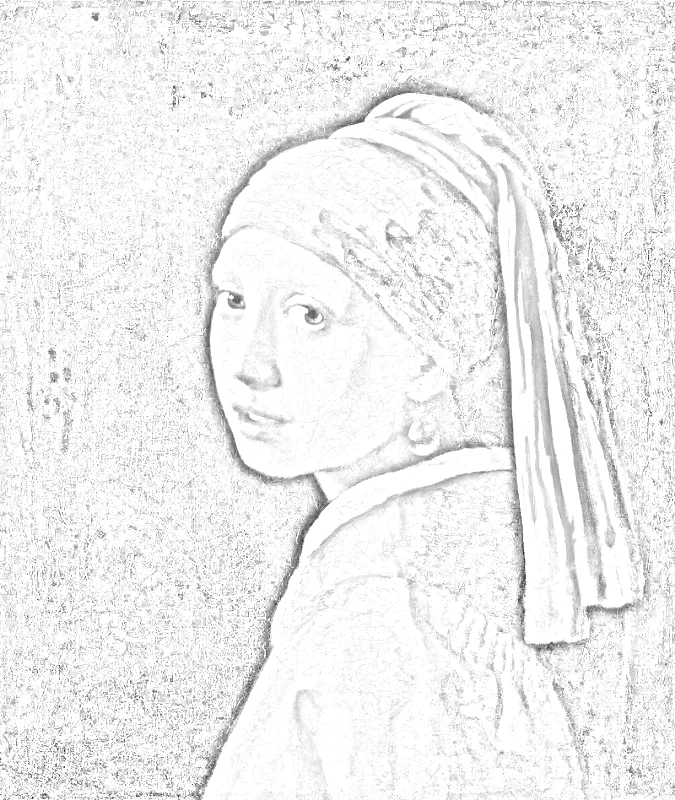
Girl with a Pearl Earring as a pencil sketch.
Portraits: faces, glasses and hair
Choose a portrait where the face is lit from one side. Gentle shadow under the nose, chin and brow gives the sketch its shape. Flat light from a camera flash removes those shadows and leaves a pale face with only the outline of the eyes and mouth.
A plain wall or sky behind the person keeps the background white and the face in focus. Busy shelves, patterned curtains or crowds add strokes that compete with the face. For a head-and-shoulders gift portrait, pick a photo where the person looks toward the camera and the whole face is sharp.
Pets and family photos
Pets move, so choose a frame where the eyes are in focus. Fur turns into fine strokes, and a sharp eye gives the sketch a clear center of attention. A dog on a lawn or a cat on a plain blanket works better than an animal lost in a cluttered room.
For a family group, step back and pick the picture where everyone is lit evenly. A shadow across one face leaves that person darker than the rest of the sketch. If the first result looks heavy, raise the smoothing so small patterns in clothing and hair settle into calmer strokes.
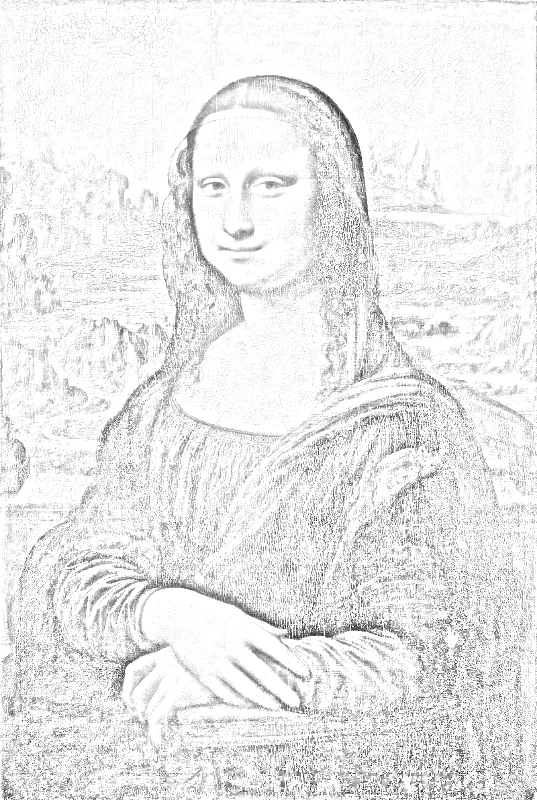
Side light on the face gives the sketch its shape.
Landscapes and buildings
Streets, rooftops, bridges and boats suit the line drawing style, because their edges are already straight and strong. A skyline photographed on a clear day gives crisp outlines against a white sky.
For natural scenes such as trees and hills, the pencil sketch usually looks more pleasing than the line drawing. Soft gray shading follows the hills and the clouds the way a hand drawing would.
Make a coloring page for a child
Pick a photo of something a child loves: a pet, a toy, a favorite park or a cartoon-like object with simple shapes. Switch to the line drawing and use thicker strokes, which are easier for small hands and wax crayons. Fewer lines mean larger areas to color in.
Print the PNG on plain paper and keep a few copies. Children often want to color the same picture twice, once with the colors they see and once with colors they invent.
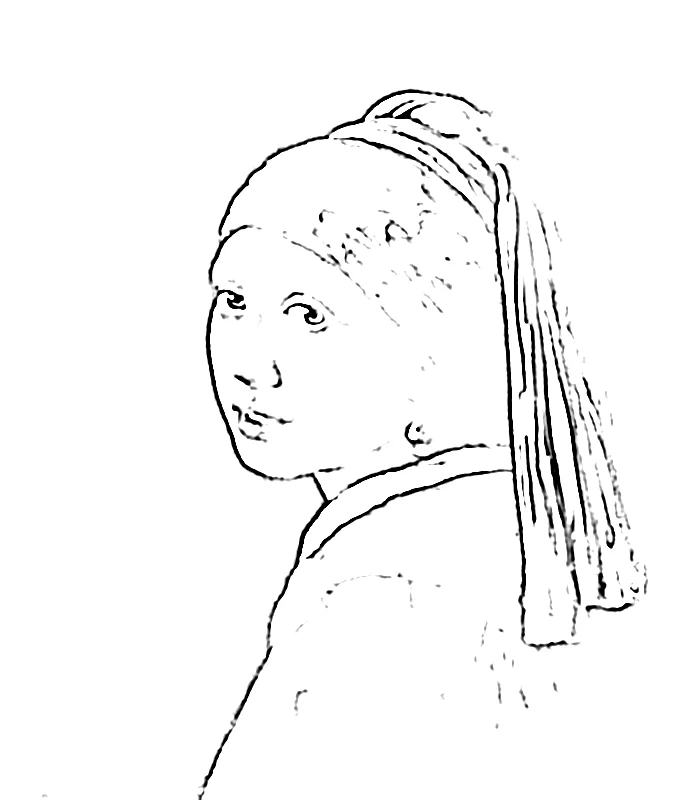
The same painting as a line drawing.
Use the sketch as a drawing reference
If you draw by hand, a sketch shows where the big shapes and shadows sit before you lift a pencil. Print the sketch, place it beside your paper and copy the main outlines first. Add the finer shading afterward by looking back at the original photo.
To keep proportions right when copying, lay a grid over the same photo with the add grid to photo tool, then draw square by square. The sketch gives the structure and the grid gives the placement.
Print a sketch as a gift or classroom handout
A portrait sketch of a grandparent, a friend or a pet looks warm in a simple frame. Print on heavier paper and leave a white border so the strokes do not touch the edge of the frame. For a gift, a sketch of a house or a favorite place is a thoughtful alternative to a snapshot.
Teachers can turn a photo of a school building, a plant or a historic site into a handout. Students can label parts, add color or trace key shapes. A line drawing on white paper leaves plenty of room for notes.
A printed sketch shows where the big shapes sit.
Read the result and decide what to change
Check the sketch at full size before downloading. If the strokes look too faint, increase the darkness. If the picture is crowded with tiny marks, increase the smoothing. If the lines look thin once printed, make the stroke width larger.
Switch between the pencil sketch and the line drawing with the same photo. A face often reads best as a pencil sketch, while a house or a toy often reads best as lines. Keep both versions, since the second one costs only a tap.
FAQ
Is the photo to sketch tool really free?
Yes. Making a sketch and downloading the PNG costs nothing, and the picture carries no watermark. The free download is 1500 pixels on its long side, which suits screens and a standard home print.
Is there an app or an account to set up?
No. The sketch is made by your web browser, whether on a phone, a tablet or a computer. Open the page, choose a photo and the sketch appears. There is no account to create and nothing to install.
Is my photo uploaded anywhere?
No. The photo is read and turned into a sketch inside your browser, and it stays on your device. The picture is never sent to a server, so family photos stay private.
Can I get clean outlines instead of pencil shading?
Yes. Press “Line drawing” to switch from the gray pencil look to clean black lines on white. Line width and smoothing under “More settings” let you make the lines bolder or calmer.
Can I turn a photo into a coloring page?
Yes. The line drawing gives black outlines on white paper, ready to color in. Download the PNG and print it, or color it on a tablet. A photo with clear shapes gives the cleanest pages.
What file formats can I open and download?
You can open JPG, PNG and WebP files and HEIC photos from an iPhone. A picture taken sideways is turned upright. The sketch downloads as a PNG. Pro adds a Letter or A4 PDF and a larger 3508 pixel PNG.
Can I change how the sketch looks?
Yes. Under “More settings” you can set stroke width, darkness and smoothing. “Show my photo” lets you compare the sketch with the original.
What kind of photo gives the best sketch?
A sharp photo with clear light and shadow works best. Portraits taken in daylight, pets against a plain background and buildings with strong edges all turn into readable sketches with defined strokes.
Updated
Related tools
- 10x10 gridPrint a blank 10x10 grid with 100 squares in three sizes. Add numbers 1 to 100, then print the sheet or save it as a clear PNG.
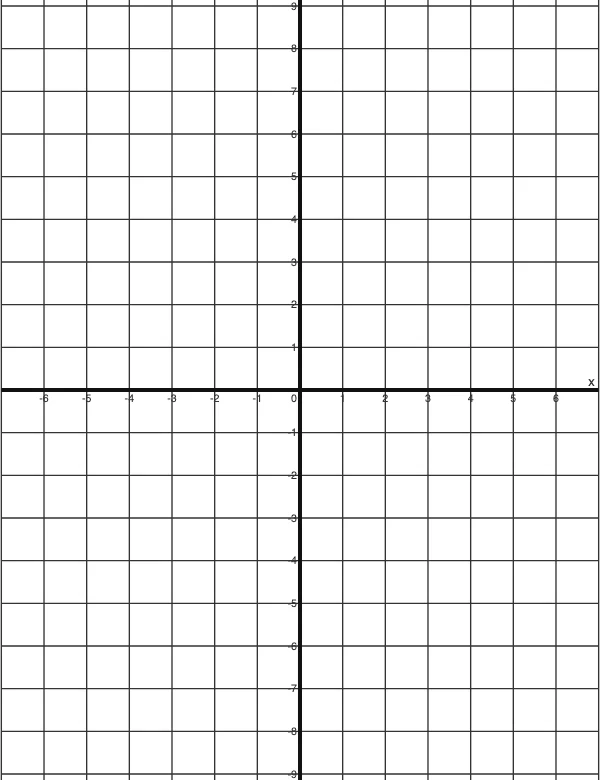 4 Quadrant Graph PaperPrint free 4 quadrant graph paper with bold x and y axes, numbered both ways from 0. Pick square size and paper, then save as PDF, PNG or JPG.
- 8x8 gridPrint a free 8x8 grid of 64 squares in your browser. Pick Small, Medium or Large squares, add letters and numbers, then print or save a PNG.
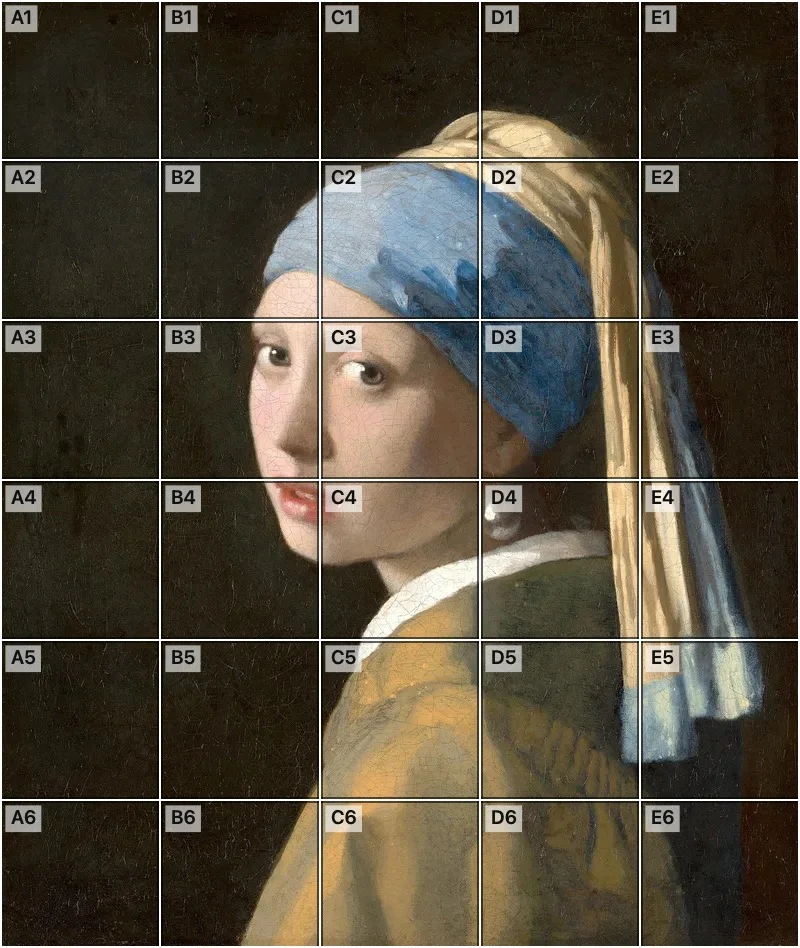 Add grid to photoAdd a grid to any photo in your browser, with no sign-up and no watermark. Get a numbered grid or a plain grid overlay, then save it or print it at true size.
- Ar TracingInstead of ar tracing with a phone stand, put a numbered grid on your own photo, then save or print it and copy it square by square. Free, no sign-up.
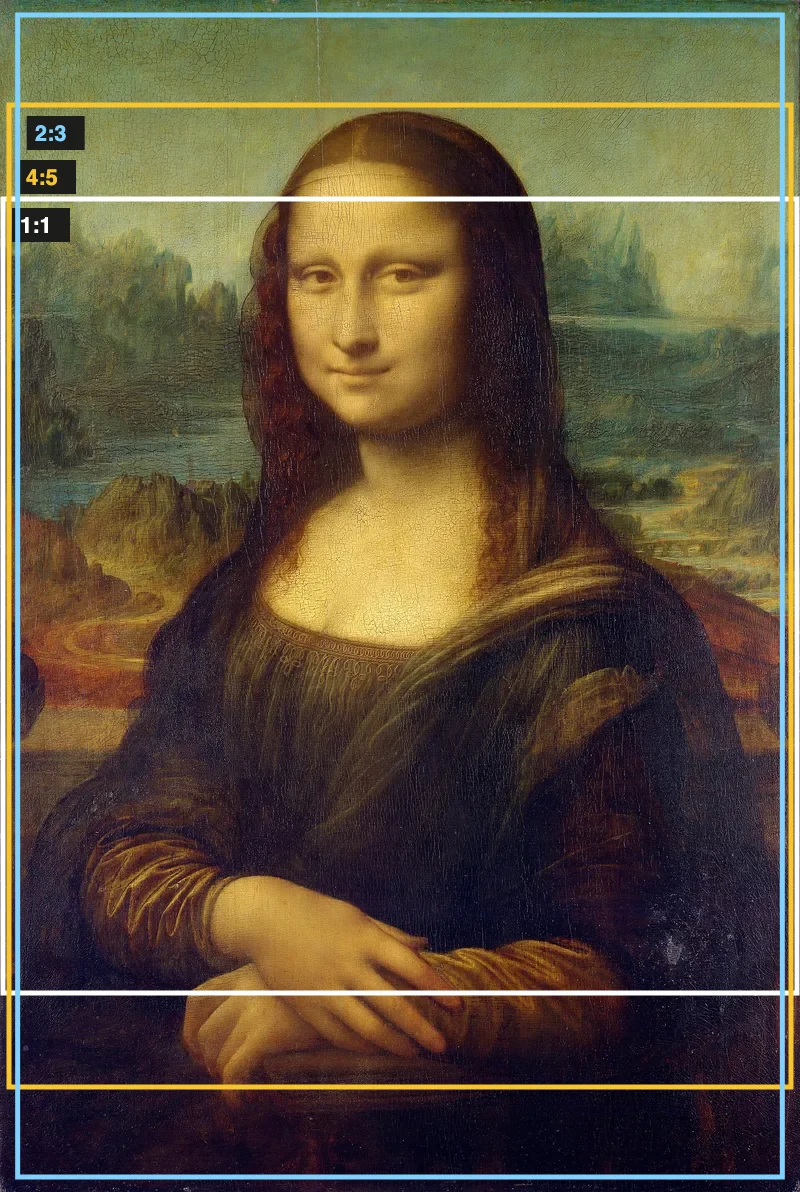 Aspect Ratio CalculatorUse this aspect ratio calculator to turn a width and height into a ratio like 16:9. You also get the decimal and a resize that keeps the shape.
- Atmospheric PerspectiveAdd a numbered grid to a photo and compare near and far squares to see atmospheric perspective: lighter values, softer color. Free, in your browser.
- Bargue DrawingPractice Bargue drawing from your own photo: add a numbered grid with 5, 8 or 12 squares across, then save it or print a gridded sheet and an empty one.