What is dot grid paper, and where can I print it?
A4 paper. Dots are spaced 1 cm.
More settings
Dot paper and isometric paper
Pick one, then print or save it the same way as square paper.
Dot paper is a sheet of small dots set in a square pattern instead of ruled lines, and you can print one here in Small, Medium or Large spacing. Choose the spacing, press Print, or save the sheet as a PDF, PNG or JPG. It is free, runs in your browser and needs no sign-up.
A sheet with small dots where the lines of a square grid would cross is called dot paper, or dotted paper. Pick Small, Medium or Large spacing and print it free on Letter or A4. At the usual line width each dot is 0.6 mm across, so the page stays open for writing and drawing.
How to use dot paper
Keep Dot selected
The page opens on Dot inside “Dot paper and isometric paper”. Square and Isometric sit in the same group if you want a different pattern on your sheet.
Choose a spacing
Press Small, Medium or Large. On Letter the dots sit 1/4, 1/2 or 1 inch apart. On A4 they sit 5 mm, 1 cm or 2 cm apart.
Check the paper
Letter or A4 is picked from your browser’s region. Open “More settings” for another paper size, “Page direction” (Tall or Wide), Line width and “Space around the edge”. The “Save as a PNG” and “Save as a JPG” buttons are there too.
Print or save
Press “Print dot paper” to send the sheet to your printer, or press “Save as a PDF” to keep it for later.
Pick a spacing that fits the job
Use Small for handwriting, lists and tiny diagrams, where 1/4 inch or 5 mm keeps many dots on the page. Use Medium for everyday sketching and note layouts. Use Large, at 1 inch or 2 cm, for rough thumbnails of big pieces such as a room or a poster, where you only need a few reference points.
Using dot graph paper for diagrams and layouts
Let one gap between dots stand for a fixed length. On a floor plan, one gap can be one foot, so a table that is four feet wide spans four gaps. For a board game, join dots with a ruler to draw the squares, and the leftover dots stay small enough to ignore. Flowcharts and wireframes work the same way: boxes snap to dots and stay aligned.
Print it so the spacing stays true
In the print window, choose 100% or actual size. “Fit to page” can stretch the sheet and change the distance between dots. After the first print, hold a ruler against two neighboring dots to confirm the gap matches the spacing you picked.
Make a stack of printable dot paper for a notebook
Print the sheet as many times as you need and keep the copies in a folder. If you plan to punch holes for a binder, open “More settings” and widen “Space around the edge” first, so the holes never land on the dots. Saving the sheet as a PDF lets you print a fresh copy later with the same spacing.
FAQ
What is the paper with the dots called?
It is called dot paper, or dotted paper. Small dots mark the points where the lines of a square grid would cross, so you get the guidance of graph paper without the lines. This page prints one in three spacings.
Do I have to buy dotted paper?
No. You can print a sheet at home whenever you need one. The tool is free, has no sign-up and adds no watermark, so a fresh sheet costs only the paper and ink.
Why do people use dot paper?
The dots give you a guide for spacing and alignment, and they stay quiet on the page. Writers use them to keep lists and lettering even, and sketchers use them to place shapes. Lines on graph paper can compete with a drawing, while dots mostly fade behind it.
How big are the dots?
At the usual line width each dot is 0.6 mm across. Line width in “More settings” changes it, from 0.3 mm up to 2.4 mm. The distance between dots is set by Small, Medium and Large: 1/4, 1/2 or 1 inch on Letter, or 5 mm, 1 cm or 2 cm on A4.
Can I change the paper size or direction?
Yes. Under “More settings”, pick another paper size, or set “Page direction” to Wide to turn the sheet sideways. Line width and “Space around the edge” are in the same place, as are the PNG and JPG buttons.
Updated
Related tools
- 10x10 gridPrint a blank 10x10 grid with 100 squares in three sizes. Add numbers 1 to 100, then print the sheet or save it as a clear PNG.
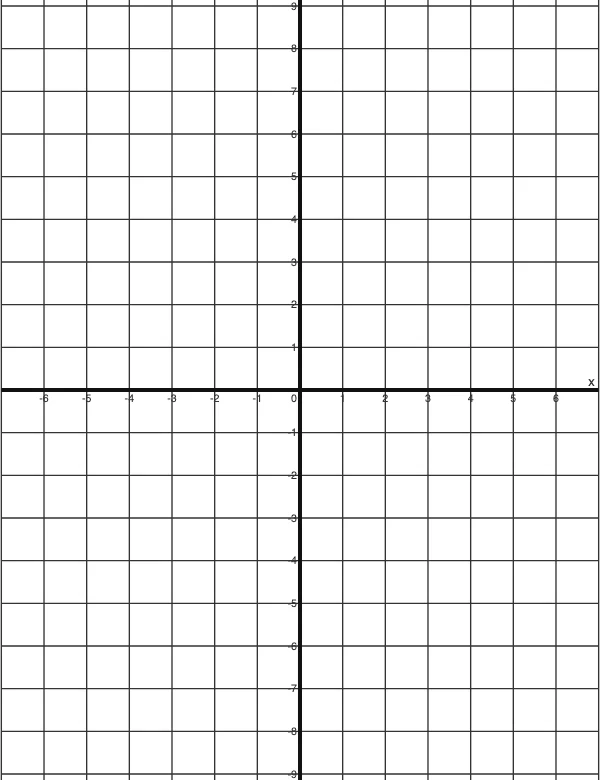 4 Quadrant Graph PaperFree 4 quadrant graph paper and 4 axis graph with numbered X and Y axes up to 20. Print Small, Medium, or Large squares on Letter or A4, or save PDF, PNG, JPG.
- 8x8 gridMake and print an 8x8 grid (64 squares) online in seconds. Print blank or A1–H8 numbered Letter/A4 sheets, or export a transparent PNG with no sign-up.
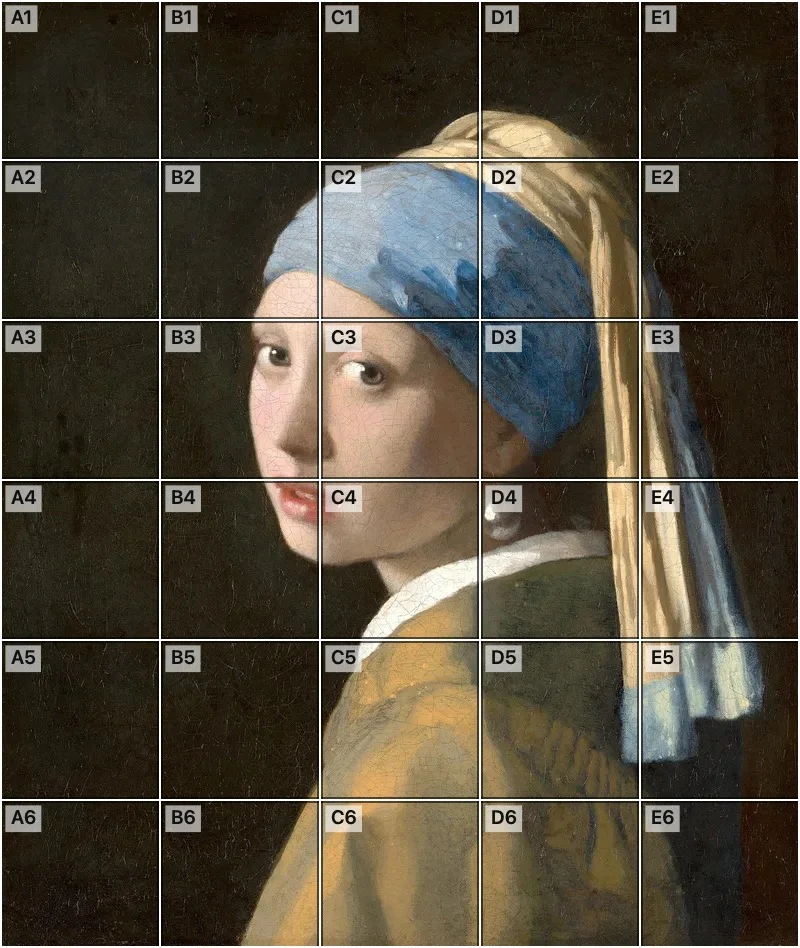 Add grid to photoAdd a grid to any photo in your browser, with no sign-up and no watermark. Get a numbered grid or a plain grid overlay, then save it or print it at true size.
- Ar TracingInstead of ar tracing with a phone stand, put a numbered grid on your own photo, then save or print it and copy it square by square. Free, no sign-up.
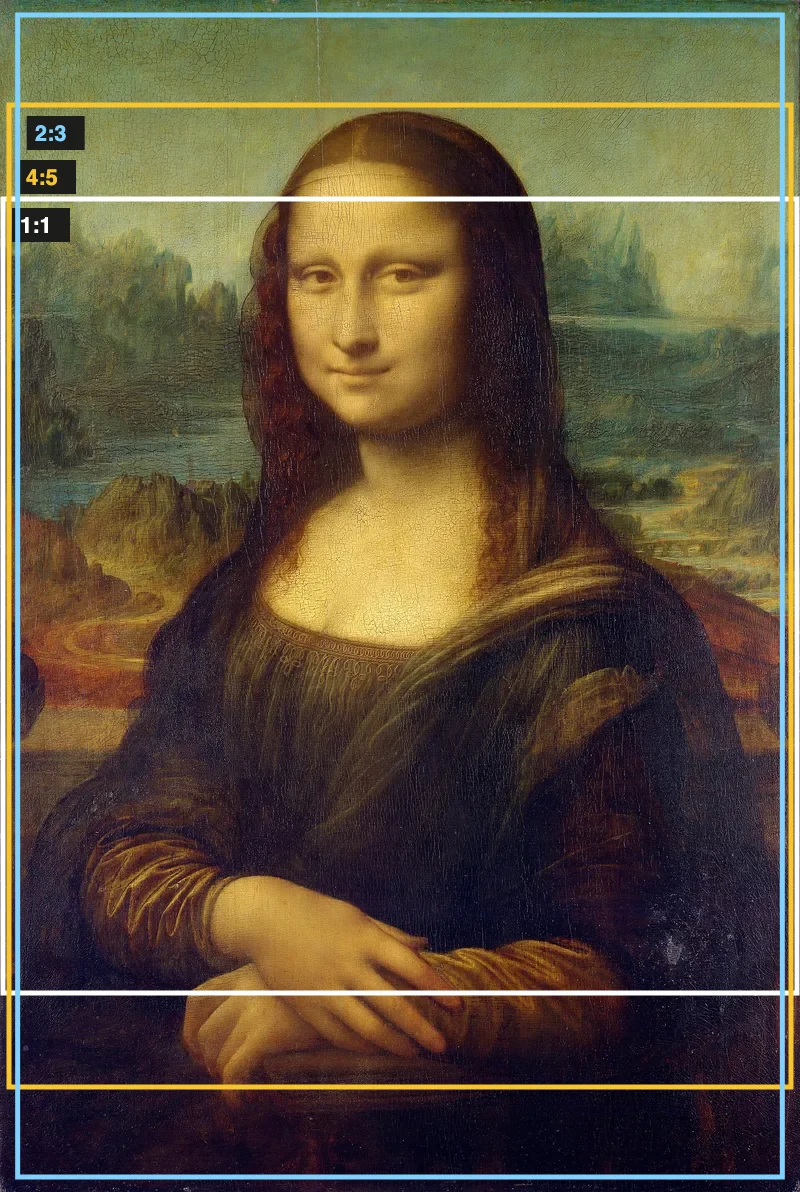 Aspect Ratio CalculatorUse this aspect ratio calculator to turn a width and height into a ratio like 16:9. You also get the decimal and a resize that keeps the shape.
- Atmospheric PerspectiveAdd a numbered grid to a photo and compare near and far squares to see atmospheric perspective: lighter values, softer color. Free, in your browser.
- Bargue DrawingPractice Bargue drawing from your own photo: add a numbered grid with 5, 8 or 12 squares across, then save it or print a gridded sheet and an empty one.