Isometric graph paper to print free
A4 paper. Triangle sides are 1 cm.
More settings
Dot paper and isometric paper
Pick one, then print or save it the same way as square paper.
You can get isometric graph paper right here, free to print. Pick Small, Medium or Large triangles, then print the sheet or save it as a PDF, PNG or JPG. There is nothing to install and no sign-up.
Choose a triangle size on this page and press “Print isometric paper”. The sheet has upright lines and lines slanted 30 degrees each way, and it comes out on Letter or A4 depending on your region.
How to use isometric graph paper
Choose a triangle size
Pick Small, Medium or Large. On Letter the triangle sides are 1/4, 1/2 or 1 inch. On A4 they are 5 mm, 1 cm or 2 cm. Medium is a good size to start with.
Check the paper
The page picks Letter or A4 from your browser’s region. Open “More settings” for another paper size, “Page direction” (Tall or Wide), Line width and “Space around the edge”. The “Save as a PNG” and “Save as a JPG” buttons are there too.
Print or save the sheet
Press “Print isometric paper” to print right away, or press “Save as a PDF” to keep the sheet for later.
Start drawing
Begin with a light pencil line along one of the three directions on the sheet. Build your shape from there, then go over the final lines in ink.
Draw a cube first
Start with a Medium sheet and a sharp pencil, and draw one upright line for the front edge of the cube. From its top and bottom, follow the slanted lines up and out to the left and right, two triangle sides each. At the far ends, draw an upright line on each side to close the left and right faces. Close the top with two more slanted lines that meet at the back corner, and three faces now show: top, left and right. To stretch the cube into a box, count more triangle sides along one direction.
Who reaches for isometric grid paper
Product sketches, room layouts, packaging, game levels and pixel-style scenes all work well here, since every edge follows one of three directions. Teachers hand it out for volume and 3D shape lessons. Makers use it to plan shelves, boxes and small builds before cutting anything.
Match the triangle size to the drawing
Large triangles suit first tries and simple shapes, because each unit is easy to count. Small triangles give finer control for detailed parts such as steps, hinges or window frames. Medium is a safe middle for most sketches. If a drawing outgrows the page, print a second sheet and tape the two edges together along a grid line.
Keep the construction lines light
Sketch in soft pencil first and darken only the lines that belong to the object. Faint triangles behind a finished drawing look tidy, and an eraser clears the rest. For a clean result, ink the outline on a printed copy and leave the grid pale. Round shapes such as cans or wheels become ellipses on this kind of sheet, so draw them inside a box built from straight lines first.
Measure along the lines
A ruler laid across the page gives the wrong length for a slanted edge. Count triangle sides along each direction instead, and a 3 unit edge stays 3 units whichever way it points. Label the sizes you need on the drawing as you go.
FAQ
Is isometric 30 or 60 degrees?
Both numbers belong to it. The slanted lines sit 30 degrees from the horizontal. Together with the upright lines they form equilateral triangles, whose corners are all 60 degrees. The sheet here has upright lines and lines at 30 degrees each way.
How do I draw isometric on graph paper?
Use a sheet with 30 degree lines, because ordinary square graph paper has none. Draw one upright line for height, then follow the slanted lines left and right for width and depth. Measure every length along the lines, not straight across the page.
What is isometric paper used for?
It is used for drawings that show height, width and depth at once. Designers sketch boxes, furniture, buildings and game scenes on it. Students use it for 3D shapes in math and technical drawing, because every edge follows one of three directions.
Can I change the paper size or turn the sheet sideways?
Yes. Under “More settings”, pick another paper size, or set “Page direction” to Wide to turn the sheet sideways. Line width and “Space around the edge” are in the same place, as are the PNG and JPG buttons. A thinner line makes the sheet lighter.
Can I save the sheet instead of printing it?
Yes. Press “Save as a PDF”, or use the PNG and JPG buttons in “More settings”, and open it later on a phone, tablet or computer. The tool is free and works in the browser, with no sign-up and nothing to install.
Updated
Related tools
- 10x10 gridPrint a blank 10x10 grid with 100 squares in three sizes. Add numbers 1 to 100, then print the sheet or save it as a clear PNG.
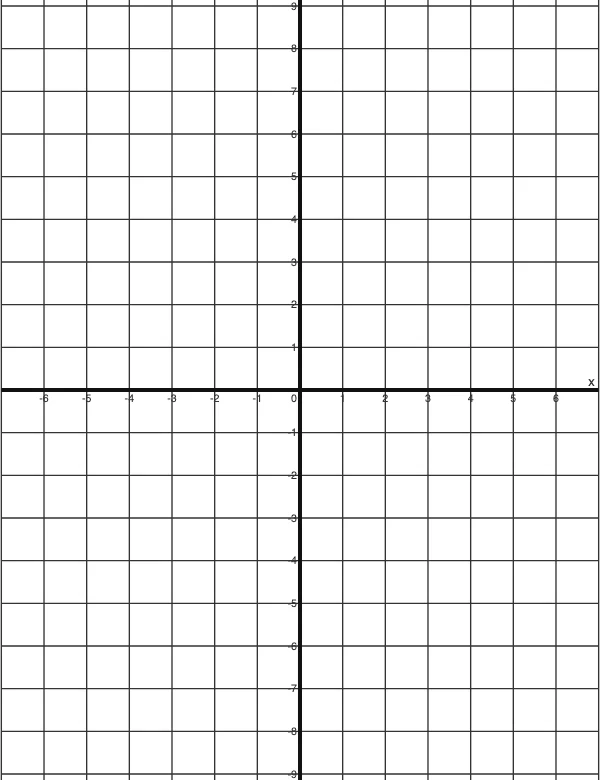 4 Quadrant Graph PaperFree 4 quadrant graph paper and 4 axis graph with numbered X and Y axes up to 20. Print Small, Medium, or Large squares on Letter or A4, or save PDF, PNG, JPG.
- 8x8 gridMake and print an 8x8 grid (64 squares) online in seconds. Print blank or A1–H8 numbered Letter/A4 sheets, or export a transparent PNG with no sign-up.
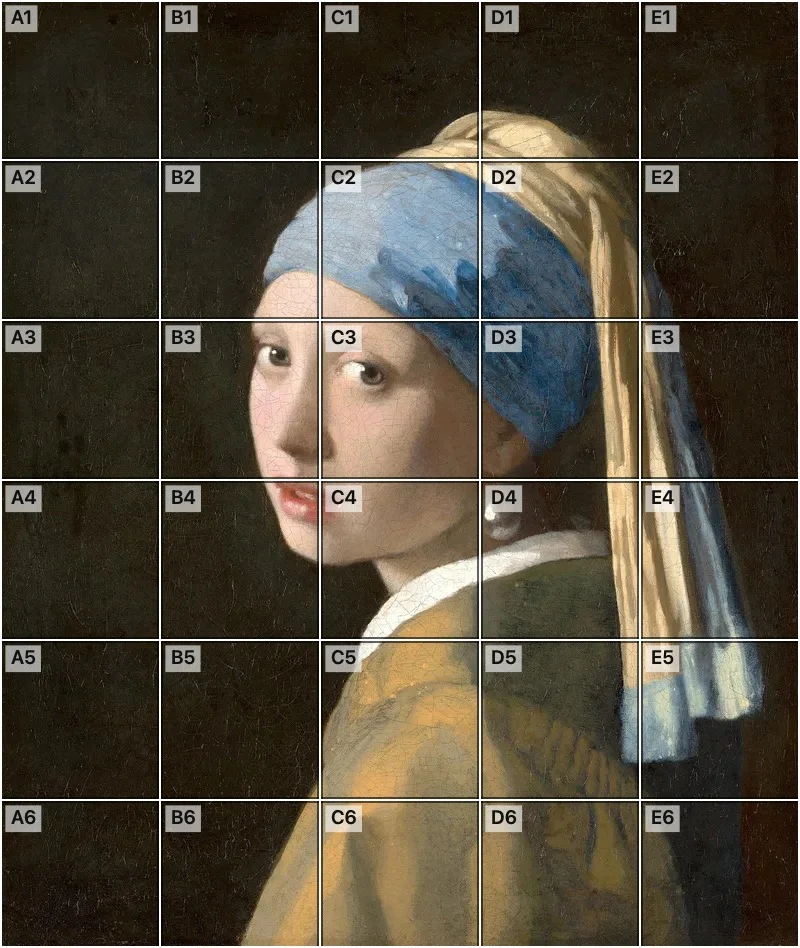 Add grid to photoAdd a grid to any photo in your browser, with no sign-up and no watermark. Get a numbered grid or a plain grid overlay, then save it or print it at true size.
- Ar TracingInstead of ar tracing with a phone stand, put a numbered grid on your own photo, then save or print it and copy it square by square. Free, no sign-up.
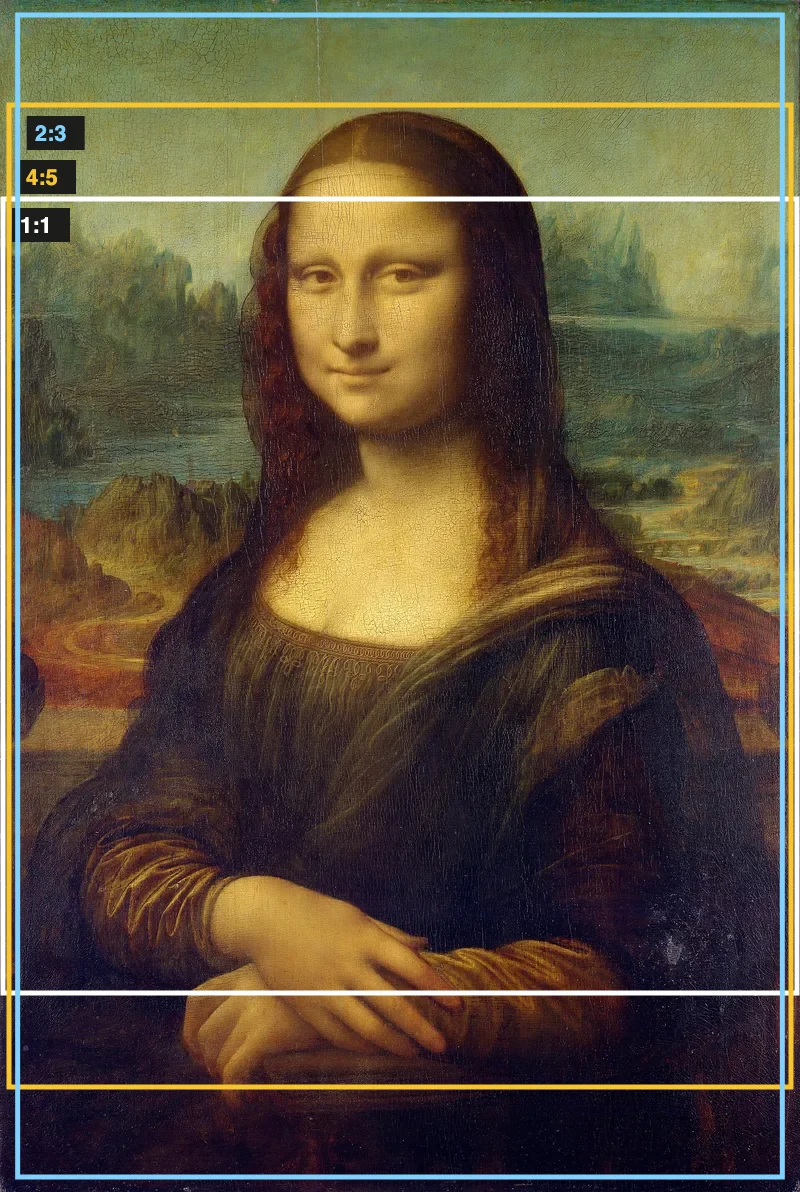 Aspect Ratio CalculatorUse this aspect ratio calculator to turn a width and height into a ratio like 16:9. You also get the decimal and a resize that keeps the shape.
- Atmospheric PerspectiveAdd a numbered grid to a photo and compare near and far squares to see atmospheric perspective: lighter values, softer color. Free, in your browser.
- Bargue DrawingPractice Bargue drawing from your own photo: add a numbered grid with 5, 8 or 12 squares across, then save it or print a gridded sheet and an empty one.